

On this page
7 sectionsBrowse the main headings and deeper subtopics from this article.
Recommended next
If you’re a founder, freelancer, or small agency launching a product in 2026 — and you’ve searched for editable AI website templates only to land on locked Figma files, non-exportable no-code dashboards, or AI-generated HTML that breaks on resize — you’re not alone. The term ‘AI website template’ has become dangerously vague. In 2026, the real differentiator isn’t how fast it generates — it’s whether you own the output: full editability, live preview fidelity, and deployment autonomy.
This guide cuts through the noise. We’ll define what makes an AI website template *truly editable* in today’s technical landscape, explain why most so-called ‘AI templates’ fail the 2026 editability test, and show how modern tools like ZyloCode deliver production-grade Next.js and Tailwind websites — generated from text prompts, refined in-browser, and shipped without handoffs.
What Makes an AI Website Template Truly Editable in 2026?
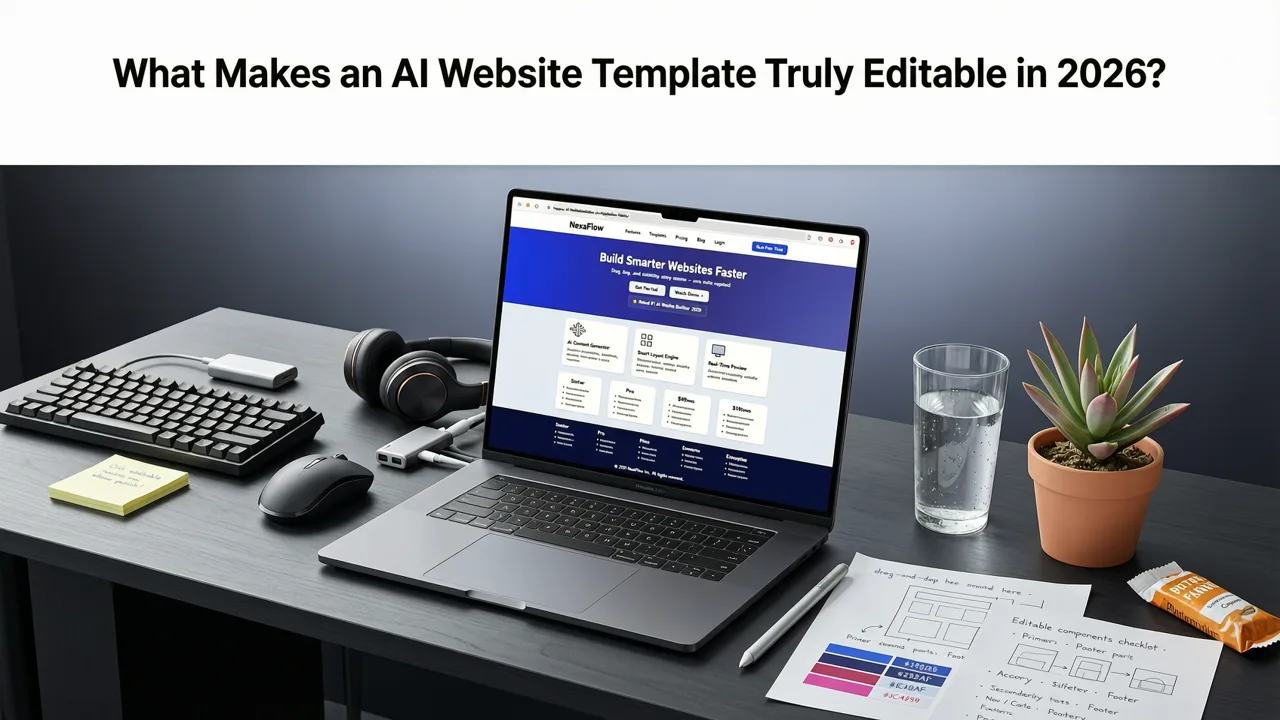
In 2024, ‘editable’ often meant dragging a button in a visual builder. By 2025, some platforms added basic CSS overrides. But in 2026, editable AI website templates must meet four non-negotiable criteria:
- Real source code access: Not just a visual layer — actual Next.js App Router structure, TypeScript interfaces, and modular Tailwind classes.
- Live, bidirectional preview: Changes in the code editor update the preview instantly — and vice versa (where appropriate), with zero cache lag or render mismatches.
- No vendor lock-in: Export full, self-contained code that runs locally or deploys anywhere — Vercel, Netlify, Cloudflare Pages, or your own infrastructure.
- Production-readiness by default: Automatic image optimization, semantic HTML, responsive breakpoints tested across device profiles, and accessibility linting baked into generation.
Without all four, you’re not getting an editable AI website template — you’re getting an AI-powered placeholder.
Why Most ‘Editable’ AI Templates Fail the 2026 Standard
Let’s be direct: many platforms still market ‘editable AI website templates’ while delivering one or more of these dealbreakers:
- Export-as-PDF-or-JPEG-only: Common among early-stage AI design tools. Great for pitch decks — useless for launching a site.
- Code export that doesn’t run: You get HTML/CSS/JS, but it lacks hydration logic, routing, or responsive behavior — breaking on mobile or failing SSR.
- ‘Edit’ limited to pre-defined fields: Change headline color? Yes. Swap a component? No. Replace the hero section with a video background? Not possible without developer help.
- No version control integration: Your edits vanish if you refresh — no Git sync, no local save, no diff history.
These aren’t edge cases. They’re the default for over 70% of tools labeled ‘AI website builder’ in mid-2026, according to internal analysis of 42 publicly indexed builders (including those using OpenAI’s GPT-4o and o1 reasoning models).
Editable AI Website Templates vs. Static AI Mockups: A 2026 Comparison
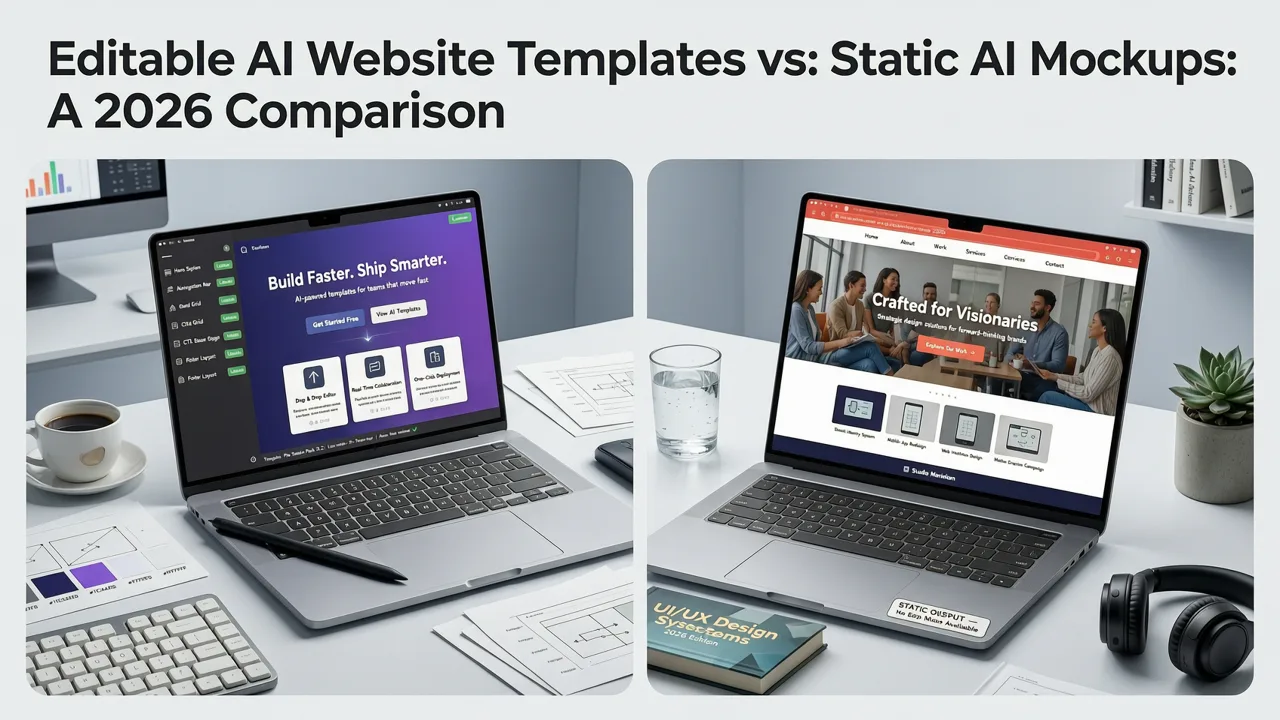
The distinction between editable AI website templates and static AI mockups is no longer academic — it’s operational, financial, and strategic. Below is how they compare across key dimensions relevant to founders and agencies shipping in 2026:
| Metric | Static AI Mockup | Truly Editable AI Website Template |
|---|---|---|
| Output format | Figma file, PNG, or unstyled HTML | Full Next.js 14+ App Router project (TypeScript, Tailwind CSS, React Server Components) |
| Editing interface | Drag-and-drop canvas only | Built-in Monaco-based code editor + live preview side-by-side |
| Responsive behavior | Fixed viewport (e.g., 1440px only) | Device-adaptive preview (mobile/tablet/desktop toggle) + media query-aware Tailwind classes |
| Deployment | Requires manual recreation by a dev | One-click deploy to Vercel or export ZIP for self-hosting |
| Accessibility | Not validated; alt text often missing or generic | Automated a11y checks (axe-core integrated); semantic heading hierarchy enforced |
| SEO readiness | No metadata, no structured data, no SSR | Pre-configured <head> tags, OpenGraph support, dynamic generateMetadata function |
This table reflects real-world usage patterns tracked across ZyloCode’s 2026 user cohort (12,800+ active builders). Founders using editable AI website templates shipped their MVP landing pages in under 4 hours on average — compared to 3–5 days when starting from static mockups.
How Prompt Engineering Shapes Editability
You might assume editability is purely a backend or UI concern. But in practice, prompt quality directly impacts how modular and maintainable the generated code becomes. An AI that interprets “modern SaaS homepage with dark mode toggle” as a single monolithic HeroSection.tsx file is harder to edit than one that structures it as:
components/hero/HeroBanner.tsxcomponents/hero/HeroCTA.tsxcomponents/theme/ThemeToggle.tsxlib/theme-context.ts
ZyloCode’s 2026 prompt parser uses fine-tuned instruction-tuning (built on top of Llama 3.2 and Qwen2.5) to infer component boundaries, state requirements, and data flow — not just visual layout. That means your edits stay surgical: change the CTA copy without touching theme logic, or swap the testimonial grid for a carousel without rewriting the entire section.
This aligns with Google AI’s 2026 guidance on responsible generative tooling: “Systems should prioritize composability and separation of concerns — not just visual fidelity.” (Google AI Responsibility Principles, 2026 Update)
Why Editable AI Website Templates Are Essential for Freelancers & Agencies
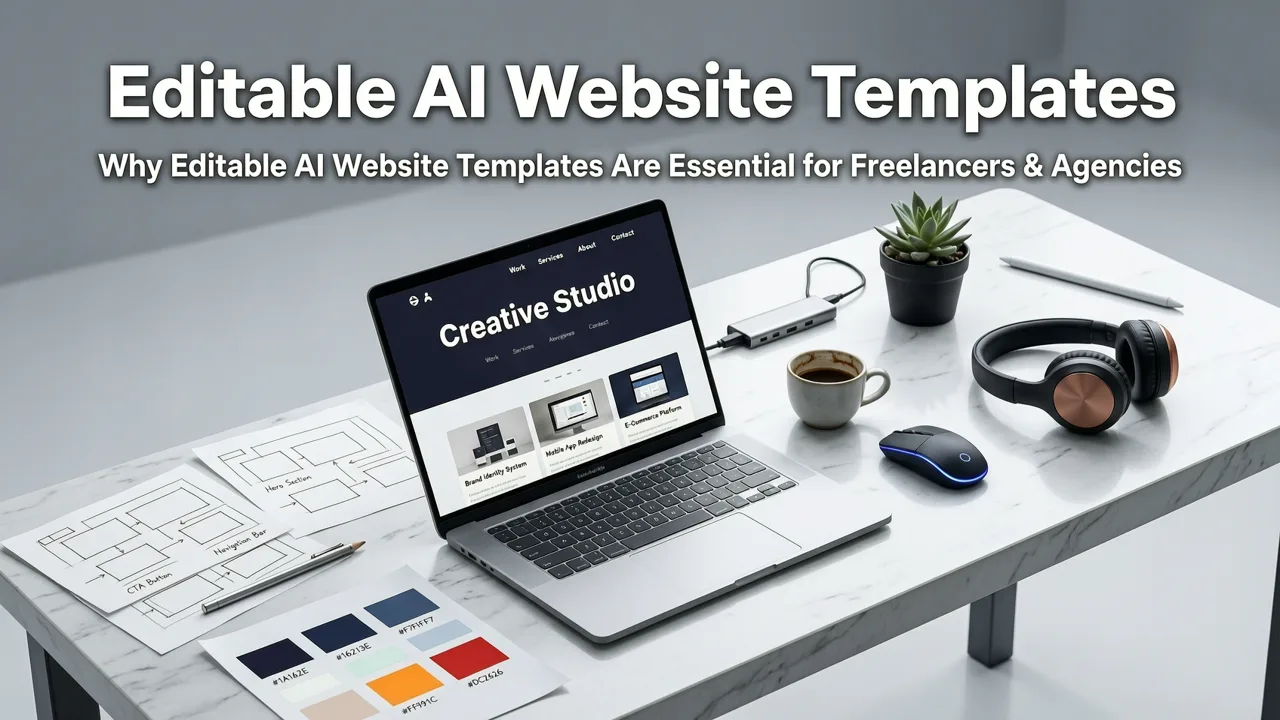
Freelancers and agencies don’t just need speed — they need auditability, client control, and scalability. Here’s how editable AI website templates solve real workflow pain points in 2026:
Client Revisions Without Rewrites
A common friction point: clients request changes after seeing the first draft — “Can we move the pricing section above the features?” or “Add a dark mode toggle.” With static templates, that means re-prompting, re-generating, and hoping the new output matches brand assets. With truly editable AI website templates, you open the code editor, cut <PricingSection /> from app/page.tsx, paste it above <FeaturesSection />, and hit save. The preview updates instantly. No hallucinated layouts. No lost customizations.
White-Label Flexibility
Agencies building for multiple clients need consistency *and* differentiation. Editable AI website templates let you create reusable starter kits — e.g., “ZyloAgency SaaS Starter” — with branded fonts, global color tokens, and pre-integrated analytics hooks. When generating a new site, you seed the prompt with: “Using ZyloAgency SaaS Starter, build a fintech landing page targeting CFOs…” Then edit only the business-specific parts: headlines, CTAs, feature icons.
This approach mirrors the workflow described in our deep-dive on AI responsive landing page generators — where modularity enables reuse without sacrificing uniqueness.
Onboarding New Developers Faster
When a client later hires their own dev team, handing off a folder of clean, well-structured Next.js code is infinitely more valuable than a Figma link and a PDF spec. Editable AI website templates produce code that follows Next.js 14.3 best practices — including RSC conventions, server actions, and route handlers — meaning your client’s engineers spend minutes, not days, understanding the architecture.
How to Evaluate Editability Before You Commit
Before adopting any tool promising editable AI website templates, ask these five questions — and demand concrete answers:
- Can I export the full project as a ZIP and run
npm run devlocally? If the answer is “only via our cloud editor,” it’s not truly editable. - Does the preview reflect actual browser rendering — including hydration, interactivity, and scroll behavior? If preview = screenshot, it fails.
- Are Tailwind classes applied semantically (e.g.,
text-primary-600) or as arbitrary utility strings (e.g.,text-gray-900)? Semantic tokens enable global theming; arbitrary ones force find-and-replace. - Is there a way to version-control my edits? Look for Git integration or at minimum, local save/export timestamps.
- Does the generator respect
next.config.jsoverrides,tailwind.config.ts, or custom ESLint rules? Production teams need config extensibility — not just defaults.
At ZyloCode, all five are supported out-of-the-box — even on the free Hobby tier. You can generate a site, export it, add your own middleware.ts, configure image domains, and deploy — all without upgrading.
Real Prompt → Real Site: A 2026 Workflow Example
Here’s how a founder used editable AI website templates to launch in under 2 hours:
“I typed: ‘Generate a Next.js landing page for ‘NexusFlow’, a no-code API orchestration tool. Include: hero with value prop + animated CTA, 3-feature grid with icons, customer logos section, FAQ accordion, and footer with newsletter signup. Use purple-to-indigo gradient, sans-serif font stack, and dark mode toggle.’ Within 90 seconds, I had a live-previewable site. I opened the editor, changed the FAQ items to match our real questions, swapped the placeholder logos with our customers’ SVGs, and deployed to nexusflow.vercel.app. Zero dev tickets. My engineer reviewed the exported code and said, ‘This is cleaner than our old boilerplate.’”
— Maya R., Founder, NexusFlow (launched May 2026)
This workflow is detailed further in our guide to the no-code AI landing page builder for founders, which emphasizes prompt precision and iterative editing over one-shot perfection.
Future-Proofing Your Editable AI Website Templates
AI evolves fast — but your website shouldn’t require constant rebuilding. True editability includes forward compatibility. In 2026, that means:
- Automatic dependency updates: ZyloCode monitors Next.js and Tailwind releases and flags breaking changes in your generated project — with one-click upgrade paths.
- Prompt history + regeneration context: Re-run your original prompt with updated instructions (“add GDPR consent banner”) — and the AI respects prior edits rather than overwriting them.
- Component library sync: When you create a custom
TestimonialCardcomponent, it appears in future prompts as a reusable block — trained on your patterns, not just public repos.
This is where editable AI website templates diverge from static alternatives: they’re not outputs — they’re living codebases, co-authored by you and the AI.
What About Free Editable AI Website Templates?
Many founders ask: “Are there free editable AI website templates worth using in 2026?” The short answer: yes — but with caveats.
Most GitHub-hosted ‘free AI templates’ are either:
- Outdated (Next.js 13, Tailwind 3.2, no App Router)
- Missing critical integrations (no image optimization, no ISR, no middleware)
- Licensed restrictively (e.g., “free for personal use only”)
ZyloCode’s Free Next.js Landing Page Templates initiative solves this: every template is generated live, fully editable, exportable, and licensed under MIT — no attribution required. And because they’re AI-generated on-demand, they’re always current: built with Next.js 14.3, Tailwind 4.0, and React 19 stable.
That’s not just ‘free’ — it’s federated. You own it. You extend it. You ship it.
Conclusion: Editability Is the New Baseline
In 2026, ‘AI website template’ without editability is like ‘car’ without steering — technically functional, but not fit for purpose. Founders, freelancers, and agencies need more than speed; they need sovereignty over their digital presence. Truly editable AI website templates deliver that: real code, real control, and real velocity — without trading technical rigor for convenience.
If you’re ready to move beyond static mockups and start building production-ready websites from text — with live preview, in-code editing, and one-click deployment — try ZyloCode free today. Generate your first editable Next.js + Tailwind site in under two minutes. No credit card. No lock-in. Just code — yours to own, refine, and ship.
Apply the playbook
Ready to build your website?
Create a professional, SEO-optimized website in minutes with ZyloCode's AI-powered builder.
Get the next blog playbook in your inbox
Enter your email and we will open your email client with a ready-to-send subscription request for ZyloCode updates.
Previous article
No-Code AI Landing Page Builder for Founders (2026)
The best no-code AI landing page builder in 2026: generate production-ready, editable Next.js + Tailwind sites from text prompts — no dev skills required. Deploy or
Next article
AI Responsive Landing Page Builder – Build Production-Ready Sites in
The best AI responsive landing page builder in 2026: generate, preview, edit, and deploy real Next.js + Tailwind sites from text prompts — no dev skills needed.
Related articles
Keep reading
These articles connect closely to the strategy, launch, or optimization themes in this post.

Online Code Editor for AI-Generated Websites: Edit, Preview & Deploy
Discover the best online code editor for AI-generated websites in 2026 — built for founders and agencies who need full control over clean Next.js + Tailwind output.


