
Templates
Start from a template, then change it with a prompt
ZyloCode has 10 website templates, such as a SaaS landing page, an online store and a private clinic site, and every plan includes all of them. Pick the layout closest to what you need, describe your changes in plain English, and edit the code directly when you want more control. Templates are written in React and Tailwind, and you can also start from a blank canvas.
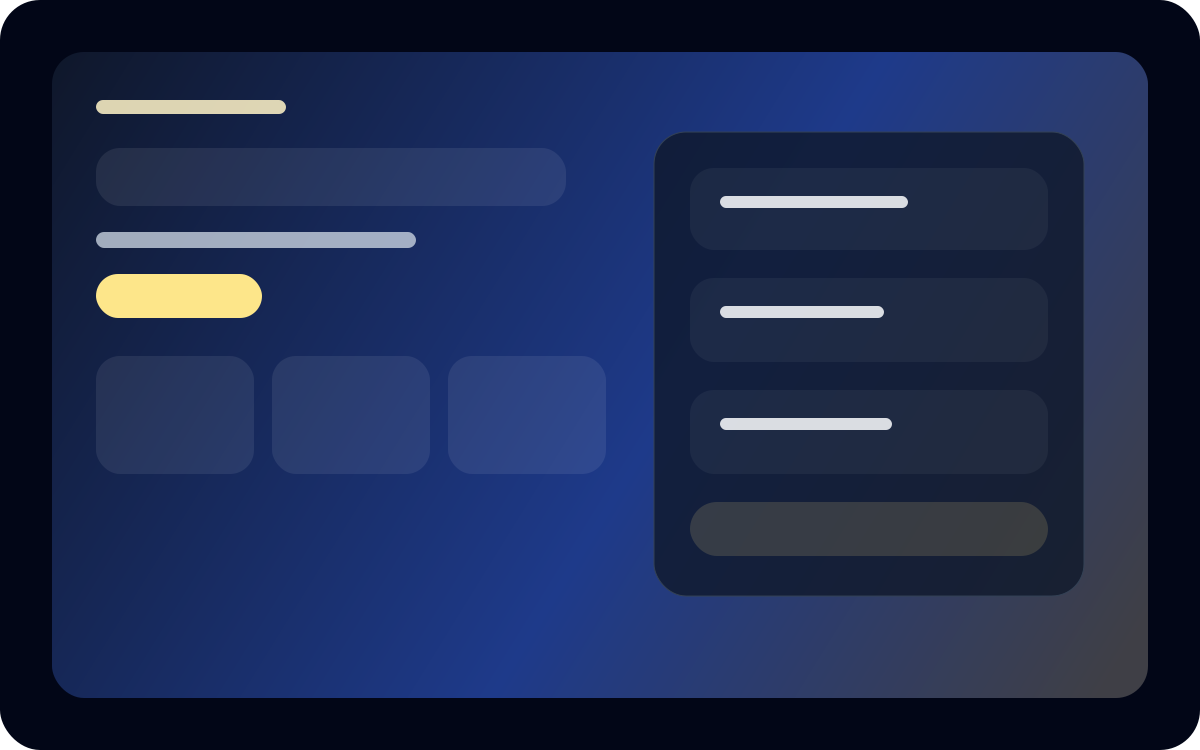
Business
Executive advisory
Boardroom-ready consulting site for growth and transformation firms.
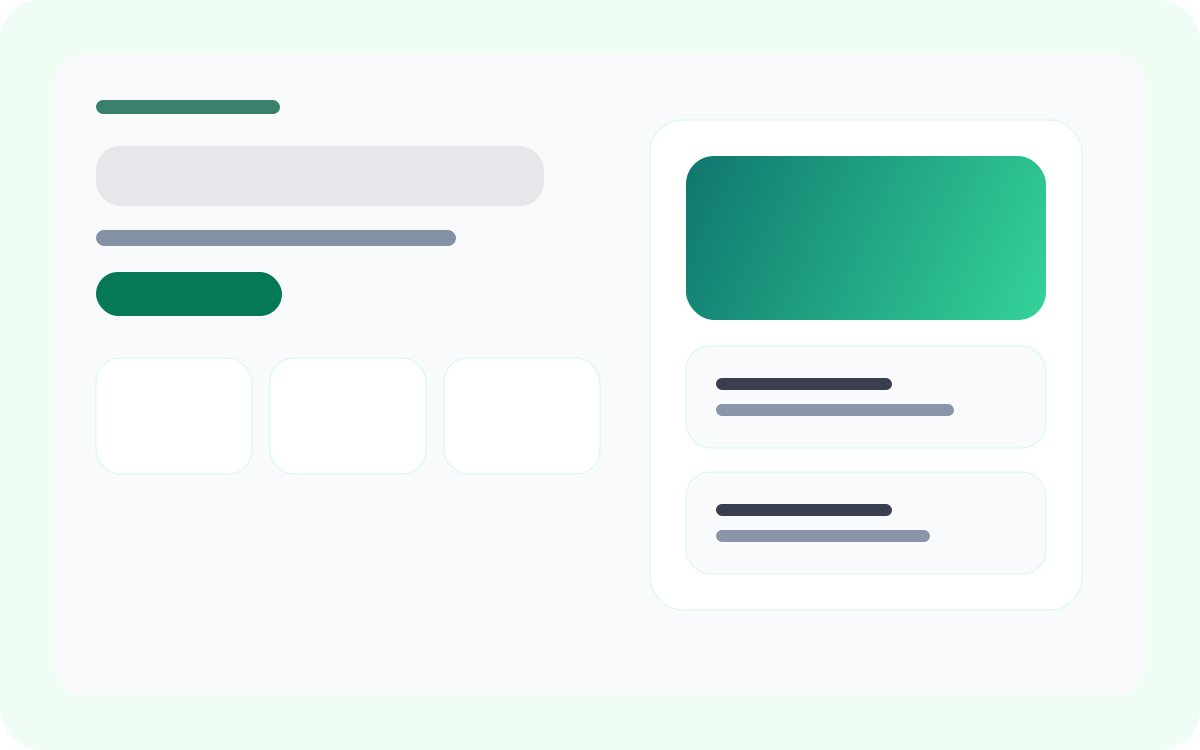
Healthcare
Private clinic
Premium healthcare landing page with concierge care and specialist trust signals.
Property
Real estate brokerage
Luxury property showcase with featured listings and private client positioning.
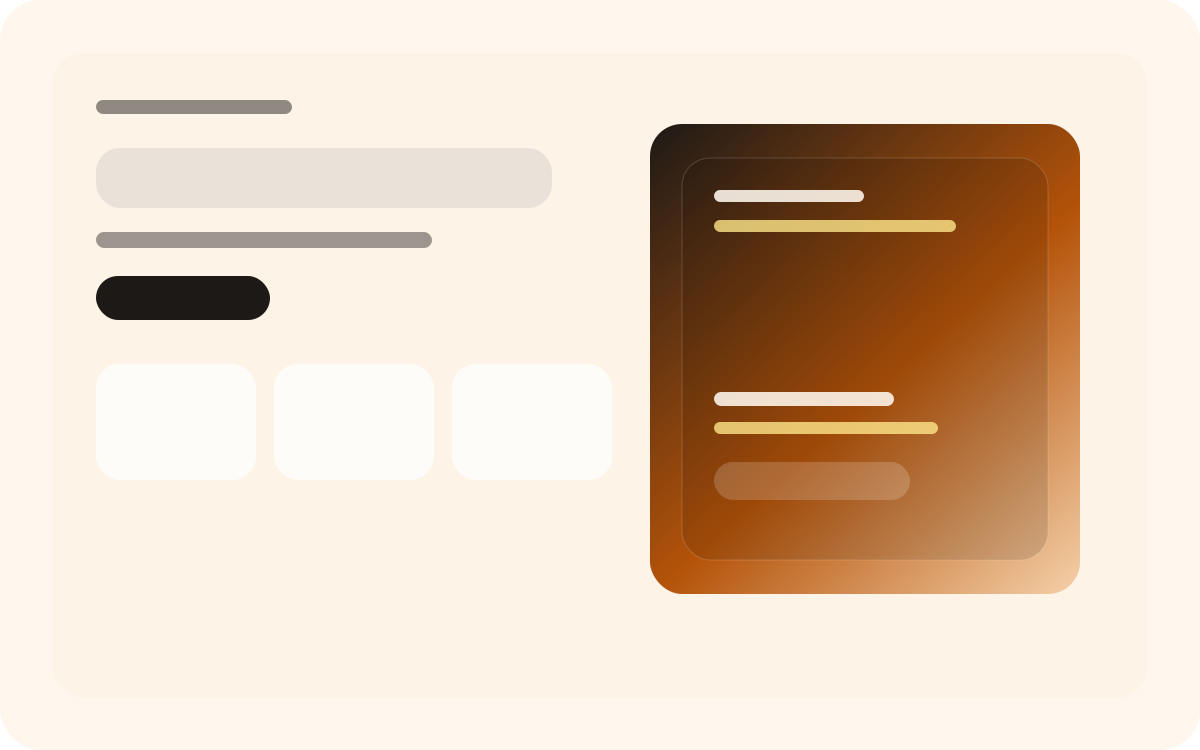
Hospitality
Boutique retreat
Hospitality site for design-led stays, wellness experiences, and high-end reservations.
How do I build a website from a template?
Sign up, create a project in your dashboard and pick the template closest to what you need. Then describe your changes in plain English, check the live preview and edit the code where you want more control. When it looks right, download the project as a ZIP.
- Sign up. You don't need a credit card.
- In your dashboard, create a project and choose a template, or start from a blank canvas.
- Describe what to change in the chat: your business name, the sections you need, colors and tone.
- Check the result in the live preview at desktop, tablet and mobile sizes.
- Edit any file in the code editor if you want, then download the project as a ZIP.
For prompt ideas, read how the AI website generator works.
Template questions
Are the templates free?
Yes. Every template on this page is available on the free Hobby plan, and you can sign up without a credit card.
Do I need coding skills to use a template?
No. You can change everything by describing it in plain English, and the AI rewrites the pages for you. If you know React, you can also open and edit every file yourself.
Are the templates mobile-friendly?
Yes. Each layout adjusts to phone screens, and the live preview lets you check every page at desktop, tablet and mobile sizes before you download it.
How do I choose a template for my website?
Pick the one closest to your type of business and the sections you need, such as pricing tables, a product grid or a list of services. Text and colors are quick to change with a prompt, so choose by layout rather than by look.
Pick a template and change it with a prompt
Every template is on the free Hobby plan, and you don't need a credit card to start.