On this page
8 sectionsBrowse the main headings and deeper subtopics from this article.
Recommended next
The Evolution of AI Coding Assistants in 2026
Building software in 2026 looks vastly different than it did just a few years ago. If you are wondering how to use an AI coding assistant effectively, the secret lies in moving beyond simple line-level autocomplete and treating the AI as a collaborative pair programmer. Whether you are generating a full Next.js frontend, scaffolding a backend API, or refining complex logic, understanding the right workflow is critical to turning text prompts into production-ready code.
Modern AI tools no longer just suggest the next variable name. They understand context, maintain state across multiple files, and can generate entire component architectures from a single descriptive prompt. This guide breaks down the exact steps to leverage AI coding tools, from initial architecture and prompt engineering to final deployment.
How to Use an AI Coding Assistant: Step-by-Step Workflow
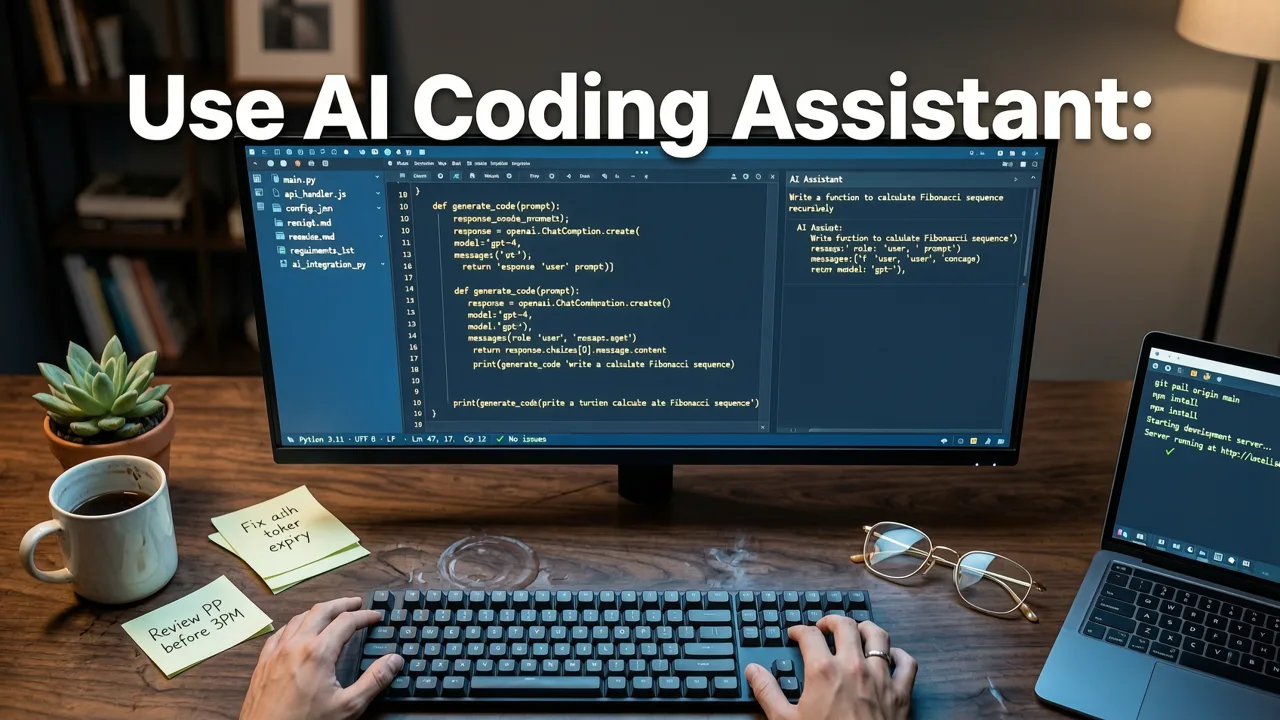
Successfully integrating an AI pair programmer into your development process requires a structured approach. Treating the AI as a senior developer who needs clear specifications yields the best results.
Step 1: Define Your Architecture and Tech Stack
Before writing a single prompt, outline the technical requirements of your project. AI models perform best when constrained by clear boundaries. Decide on your framework (e.g., Next.js, React, Vue), your styling solution (e.g., Tailwind CSS), and your backend architecture. Documenting these decisions in a brief project brief helps you feed the correct context to the AI from the very first interaction.
Step 2: Craft a High-Quality Initial Prompt
The quality of the generated code is directly tied to the quality of your instructions. A strong prompt includes the role, the task, the constraints, and the expected output format. For a deeper dive into structuring these instructions, you can explore our guide on how to create a website with an AI prompt. Always specify the tech stack, the desired folder structure, and any specific design systems you want the AI to follow.
Step 3: Iterate Through Modular Generation
Do not ask the AI to build an entire application in one go. Large language models can lose context or introduce subtle bugs when overwhelmed with massive requests. Instead, break your project down into modular components. Generate the database schema first, then the API routes, and finally the frontend UI components. This iterative approach allows you to review and test code in manageable chunks.
Step 4: Review, Refine, and Test
AI-generated code is a starting point, not a finished product. Always review the output for security vulnerabilities, performance bottlenecks, and adherence to your project's coding standards. Run the code through your local testing environment. If a component fails, feed the error message back to the AI along with the original code to generate a targeted fix.
Prompt Engineering: Weak vs. Strong Instructions
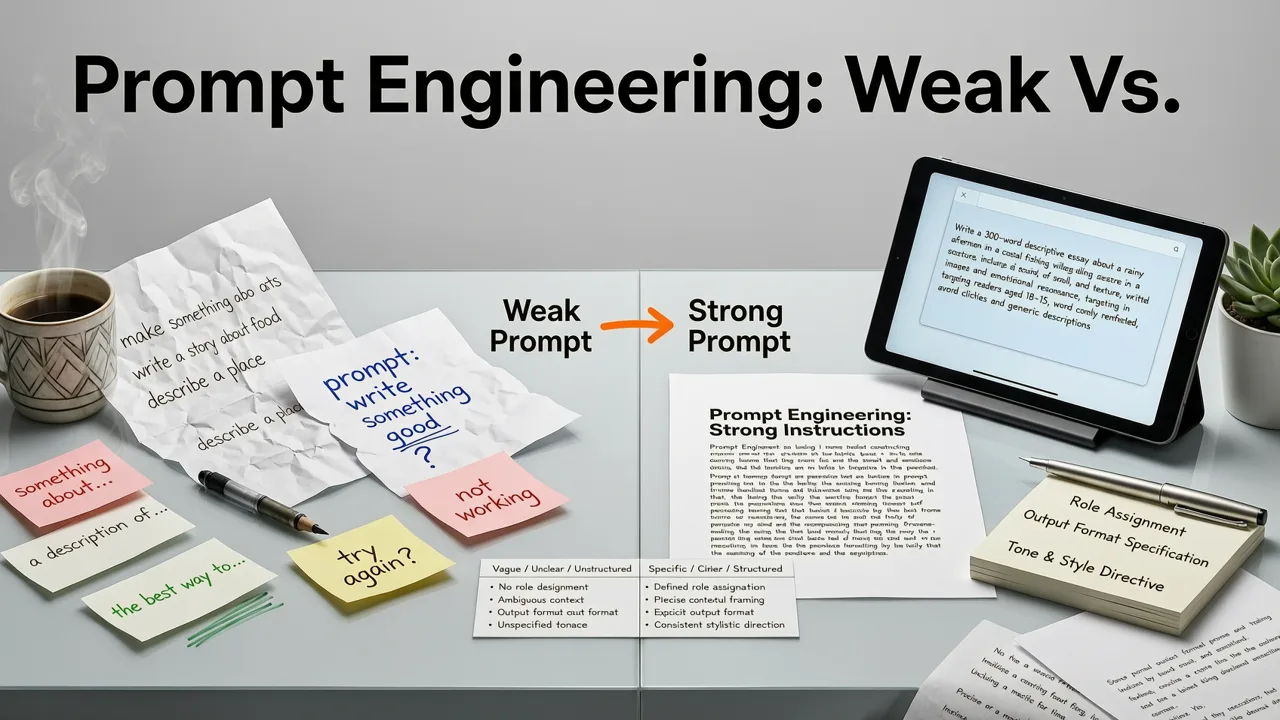
Understanding the difference between a vague request and a highly specific prompt is the most critical skill in modern development. The table below illustrates how to elevate your instructions for better code generation.
| Instruction Type | Example Prompt | Expected Outcome |
|---|---|---|
| Weak Prompt | 'Make a landing page for a SaaS product.' | Generic HTML/CSS, outdated practices, missing responsive design, no clear conversion focus. |
| Strong Prompt | 'Generate a mobile-first landing page for a B2B SaaS analytics tool using Next.js and Tailwind CSS. Include a sticky header, a hero section with a primary CTA, a 3-column feature grid, and a pricing table. Use a professional color palette (slate and blue).' | Production-ready, responsive components, properly structured JSX, accessible semantic HTML, and modern styling. |
| Weak Prompt | 'Write an API endpoint to get users.' | Basic fetch logic, missing error handling, no authentication checks, vulnerable to injection. |
| Strong Prompt | 'Create a Next.js API route that fetches a list of users from a PostgreSQL database using Prisma. Include Zod validation for query parameters, error handling for database timeouts, and a middleware check for an admin JWT token.' | Secure, validated, and robust backend logic ready for a production environment. |
Choosing the Right AI Tool for Full-Stack Generation
In 2026, the market is split between IDE-integrated assistants that help you write code line-by-line, and full-generation platforms that build entire applications from scratch. If your goal is to launch a marketing site, a landing page, or a full web application without writing the boilerplate manually, you need a platform that bridges the gap between no-code ease and full-code access.
Platforms like ZyloCode specialize in this exact workflow. By turning text prompts into production-ready Next.js and Tailwind websites, they allow founders and agencies to generate, live-preview, and edit their site in a built-in code editor. This approach ensures you are not locked into a proprietary black box. If you need to hand the code off to a traditional development team or deploy it to your own infrastructure, having full code access is non-negotiable. You can read more about this approach in our breakdown of the modern Tailwind AI website builder experience.
Security, Performance, and Responsible AI Use
As AI becomes more deeply integrated into the software development lifecycle, responsible usage is paramount. AI models are trained on vast datasets, which means they can occasionally suggest outdated libraries or insecure patterns.
Never hardcode API keys, database credentials, or secret tokens in your prompts. Always use environment variables. Furthermore, it is highly recommended to review the official OpenAI documentation or your specific model provider's guidelines to understand the context window limits and data privacy policies of the tool you are using.
Additionally, follow the Google AI guidance on responsible development. This includes ensuring that the AI-generated code does not inadvertently introduce bias, accessibility failures, or security flaws into your application. Always run automated security scanners on AI-generated backend logic before pushing to production.
Deploying Your AI-Generated Code
The final step in the workflow is taking your code from a local preview to a live, production environment. In 2026, deployment should be as frictionless as the generation process itself.
When using a dedicated AI website builder, the platform should handle the build step, optimization, and hosting configuration automatically. If you are exporting the code to deploy manually, ensure your CI/CD pipeline is configured to handle the specific framework requirements, such as server-side rendering edge functions for Next.js. For those focusing on high-converting marketing assets, utilizing a dedicated AI responsive landing page generator ensures that the deployed site is not only visually perfect but also optimized for Core Web Vitals and mobile performance out of the box.
Conclusion
Learning how to use an AI coding assistant in 2026 is less about memorizing syntax and more about mastering architecture, prompt engineering, and iterative refinement. By treating AI as a powerful collaborator rather than a magic button, you can dramatically accelerate your development workflow while maintaining complete control over the final codebase.
Ready to build your next project with confidence? Explore ZyloCode to turn your text prompts into production-ready Next.js and Tailwind websites, complete with live previews, full code access, and one-click deployment.
FAQ
Quick answers to the questions teams usually ask when they apply this workflow.
What is the best way to start using an AI coding assistant?
The best way to start is by defining your project architecture and tech stack before writing any prompts. Break your project down into modular components, write highly specific prompts that include constraints and context, and iteratively generate and review the code rather than asking the AI to build the entire application at once.
Can AI coding assistants generate production-ready code?
Yes, modern AI coding assistants and full-generation platforms can generate production-ready code, particularly for frontend frameworks like Next.js and styling libraries like Tailwind CSS. However, the code should always be reviewed by a human for security vulnerabilities, performance optimization, and specific business logic accuracy before deployment.
How do I prevent AI from generating insecure code?
To prevent insecure code generation, explicitly include security constraints in your prompts, such as requesting input validation and error handling. Never include sensitive credentials or API keys in your prompts. Always run automated security scanners and conduct manual code reviews on backend logic before pushing to a live environment.
What is the difference between an IDE AI assistant and an AI website builder?
An IDE AI assistant integrates into your code editor to help you write, refactor, and debug code line-by-line or file-by-file. An AI website builder, on the other hand, takes high-level text prompts and generates entire application structures, complete with routing, styling, and deployment configurations, allowing you to launch full websites without writing the initial boilerplate.
Apply the playbook
Ready to build your website?
Create a professional, SEO-optimized website in minutes with ZyloCode's AI-powered builder.
Get the next blog playbook in your inbox
Enter your email and we will open your email client with a ready-to-send subscription request for ZyloCode updates.
Previous article
Best AI Coding Assistant for Next.js in 2026
Looking for the best ai coding assistant for nextjs in 2026? Discover how ZyloCode generates production-ready Next.js and Tailwind sites from prompts.
Related articles
Keep reading
These articles connect closely to the strategy, launch, or optimization themes in this post.

Create a Website With AI Prompt: The Complete 2026 Guide
Learn how to create a website with AI prompt in 2026. Discover the exact steps, best practices, and tools to generate production-ready code.