
On this page
9 sectionsBrowse the main headings and deeper subtopics from this article.
Recommended next
Build a Nextjs Site With AI: The 2026 Founder Guide
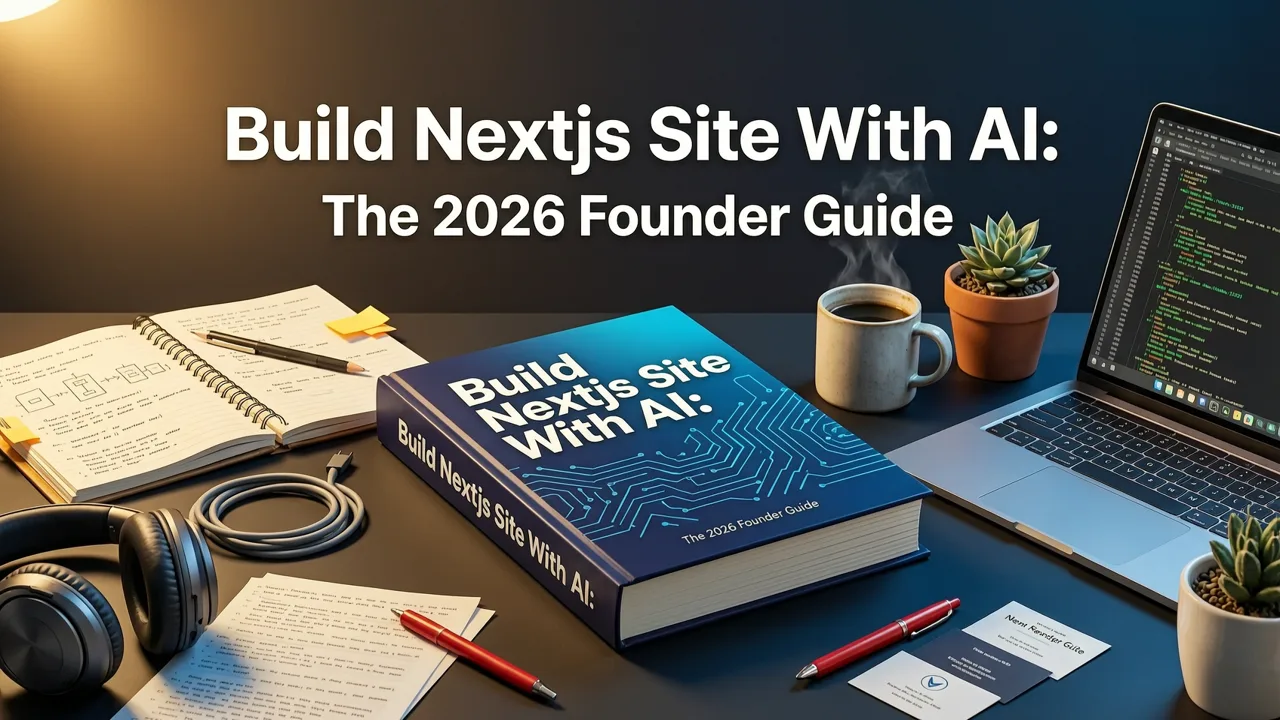
The landscape of web development has fundamentally shifted. In 2026, you no longer have to choose between the speed of a no-code builder and the flexibility of custom development. If you want to build a nextjs site with ai, the current generation of tools allows you to transform plain text prompts into fully functional, production-ready Next.js and Tailwind CSS applications. This means founders, freelancers, and small agencies can launch scalable, SEO-optimized websites in minutes, complete with clean, exportable code that developers can actually maintain.
Unlike the early AI website generators that produced rigid, uneditable visual blocks, modern AI code generators understand component architecture, server-side rendering, and responsive design. This guide explains how the technology works, why Next.js is the premier framework for AI-generated sites, and the exact workflow to take your project from a simple prompt to a deployed, production-ready application.
Why Founders Want to Build a Nextjs Site With AI in 2026

Next.js has cemented itself as the industry standard for React-based web applications. When you decide to build a nextjs site with ai, you are leveraging a framework that offers superior performance, built-in search engine optimization, and seamless scalability. For founders and agency owners, the primary advantage is the elimination of technical debt from day one.
Traditional drag-and-drop builders often trap your data and design in proprietary ecosystems. If you need a custom feature or want to migrate your hosting, you are forced to rebuild from scratch. AI-powered Next.js generators solve this by outputting standard, open-source code. You retain full ownership of your digital assets. Furthermore, because the AI generates code using the Next.js App Router and standard React components, your site is immediately compatible with the broader JavaScript ecosystem, allowing for easy integration of third-party APIs, databases, and authentication providers.
The Problem With Early AI Website Builders
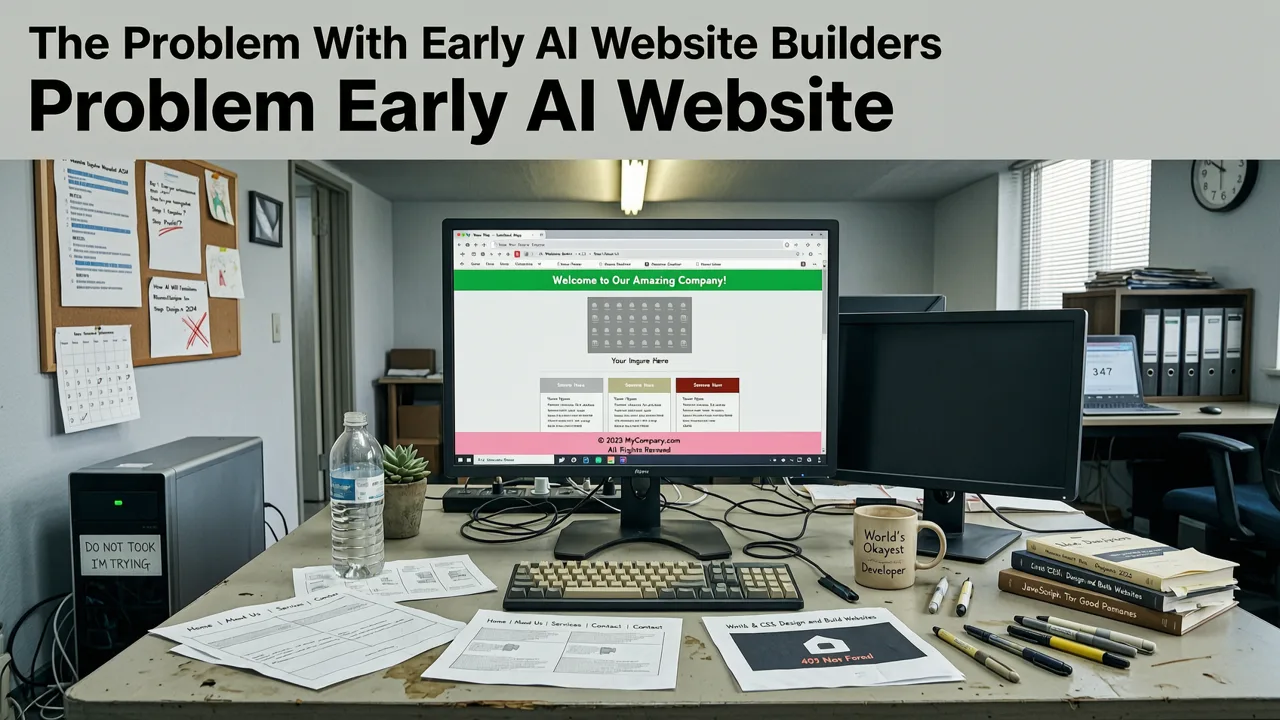
To understand the value of modern AI code generation, it is helpful to look at the limitations of the tools that preceded them. Early AI builders focused almost exclusively on visual output. They would generate a beautiful landing page, but the underlying HTML and CSS were often bloated, non-semantic, and heavily reliant on inline styles.
More importantly, these tools operated as walled gardens. You could not access the source code, meaning any custom functionality required complex workarounds or was simply impossible. In 2026, the expectation has shifted. Professionals do not just want a visual representation of a website; they want the actual engineering. The ability to live-preview, edit the underlying code, and deploy a true Next.js application is no longer a luxury—it is the baseline requirement for any serious AI web tool.
How to Build a Nextjs Site With AI: The 2026 Workflow
Building a production-ready site with AI is a structured process. It requires clear communication with the AI and an understanding of how modern frameworks are assembled. Here is the standard workflow for generating and deploying a Next.js site in 2026.
1. Define Your Prompt and Architecture
The quality of your generated code is directly tied to the quality of your prompt. Instead of asking for a generic 'business website', specify the architecture. Detail the pages you need, the specific UI components, the color palette, and the data structure. For a comprehensive breakdown of how to structure your requests for the best results, review the complete guide to creating a website with an AI prompt. Specify that you want Tailwind CSS for styling and Next.js server components for data fetching to ensure the AI generates modern, optimized code.
2. Generate and Live-Preview the Code
Once the prompt is submitted, the AI processes the request and generates the React components, layout files, and styling. The crucial differentiator in 2026 is the live-preview environment. You should be able to see the site rendering in real-time, interacting with the generated UI, and verifying that the navigation and responsive breakpoints work as intended. This immediate visual feedback loop allows you to iterate on the design before diving into the code.
3. Refine in the Built-In Code Editor
No AI is perfect on the first pass. You will likely need to tweak a component, adjust a Tailwind class, or modify a layout. Advanced AI builders include a built-in code editor that allows you to make these adjustments directly. This bridges the gap between no-code and pro-code. If you need to refine the styling using AI assistance while maintaining full code access, exploring a dedicated Tailwind AI website builder environment can significantly speed up this refinement phase. You can edit the JSX, adjust the CSS utilities, and see the changes reflect instantly in the preview.
4. Deploy or Export
Once the site meets your standards, you have two primary paths. You can deploy the site directly to a hosting provider like Vercel or Netlify with a single click, utilizing the built-in CI/CD pipelines that Next.js supports natively. Alternatively, you can export the entire codebase to your local machine or a GitHub repository. This export capability is vital for agencies and developers who need to integrate the AI-generated frontend with a custom backend or continue development in their preferred IDE.
Key Features to Look for in an AI Next.js Generator
Not all AI website tools are created equal. When evaluating platforms to build a nextjs site with ai, you must look beyond the marketing claims and assess the actual technical output. The following table compares traditional AI builders with modern AI code generators.
| Feature | Traditional AI Builders | Modern AI Code Generators (e.g., ZyloCode) |
|---|---|---|
| Output Format | Proprietary visual blocks, bloated HTML/CSS | Clean React components, Next.js App Router, Tailwind CSS |
| Code Access | Locked inside the platform's walled garden | Full access via built-in editor and complete code export |
| Responsiveness | Basic mobile toggles, often breaks on complex layouts | Native Tailwind responsive utilities, mobile-first architecture |
| Customization | Limited to platform-specific settings and plugins | Unlimited; edit any line of code or integrate any npm package |
| Deployment | Hosted only on the builder's subdomain or premium tiers | One-click deploy to Vercel/Netlify or export for custom hosting |
Next.js vs. Traditional Builders for AI Generation
Choosing Next.js as the foundation for your AI-generated site provides distinct technical advantages over traditional page builders. Next.js is built on top of React, meaning it leverages a massive ecosystem of reusable UI libraries. When an AI generates a site using Next.js, it is creating modular, reusable components rather than monolithic pages.
This modularity is essential for responsive design. A high-quality AI responsive landing page generator will utilize Tailwind CSS breakpoints to ensure that the generated Next.js components adapt flawlessly to mobile, tablet, and desktop viewports. Because the AI understands the Tailwind utility classes, it can apply complex responsive layouts—like shifting a three-column grid to a single-column stack on mobile—without writing custom media queries. This results in a lighter, faster, and more maintainable codebase.
Scaling AI-Generated Sites for Agencies
For small agencies and freelancers, the ability to build a nextjs site with ai is a massive multiplier for productivity. Instead of spending weeks wiring up a frontend for a new client, you can generate the initial architecture in minutes and spend your time refining the unique brand elements and custom business logic.
When selecting the best AI website builder for agencies in 2026, the focus must be on scalability and code quality. Agencies need to know that the code they hand over to a client, or the code they maintain on a retainer, is clean and adheres to modern best practices. AI generators that output standardized Next.js and Tailwind code ensure that any developer can pick up the project in the future, protecting the agency's reputation and the client's long-term investment.
Conclusion: Taking Control of Your Web Development
The era of sacrificing code quality for development speed is over. By leveraging modern AI tools, founders and agencies can build a nextjs site with ai that is both visually stunning and technically robust. The key is to choose a platform that respects the underlying engineering, providing clean, exportable, and editable Next.js code rather than locking you into a proprietary ecosystem.
If you are ready to transform your text prompts into production-ready applications, explore the capabilities of ZyloCode. Generate, preview, edit, and deploy your next project with the power of AI and the reliability of Next.js.
FAQ
Quick answers to the questions teams usually ask when they apply this workflow.
Can I export the code generated by the AI?
Yes, modern AI Next.js builders allow you to export the complete, clean source code to your local machine or a GitHub repository. This ensures you are never locked into a proprietary platform and can continue development in your preferred IDE.
Is the generated Next.js code production-ready?
Yes, when using a specialized AI code generator, the output consists of standard React components, Next.js App Router configurations, and Tailwind CSS utility classes. This code is modular, optimized for performance, and ready for deployment to platforms like Vercel.
Do I need to know React to use an AI Next.js builder?
No, you do not need prior React experience to generate the initial site. The AI handles the component structure and logic based on your text prompts. However, having basic React knowledge is highly beneficial if you want to customize the generated code or add complex custom functionality later.
How does the AI handle responsive design in Next.js?
Advanced AI builders utilize Tailwind CSS to handle responsive design natively. The AI automatically applies responsive utility classes to your components, ensuring that layouts, typography, and spacing adapt seamlessly across mobile, tablet, and desktop viewports without requiring custom media queries.
Apply the playbook
Ready to build your website?
Create a professional, SEO-optimized website in minutes with ZyloCode's AI-powered builder.
Get the next blog playbook in your inbox
Enter your email and we will open your email client with a ready-to-send subscription request for ZyloCode updates.
Previous article
Create a Website With AI Prompt: The Complete 2026 Guide
Learn how to create a website with AI prompt in 2026. Discover the exact steps, best practices, and tools to generate production-ready code.
Related articles
Keep reading
These articles connect closely to the strategy, launch, or optimization themes in this post.

Best AI Website Builder That Exports Code in 2026
Discover the best AI website builder that exports code in 2026. Generate, edit, and deploy production-ready Next.js sites from text prompts without vendor lock-in.