
On this page
8 sectionsBrowse the main headings and deeper subtopics from this article.
Recommended next
How to Create a Website With AI Prompt in 2026
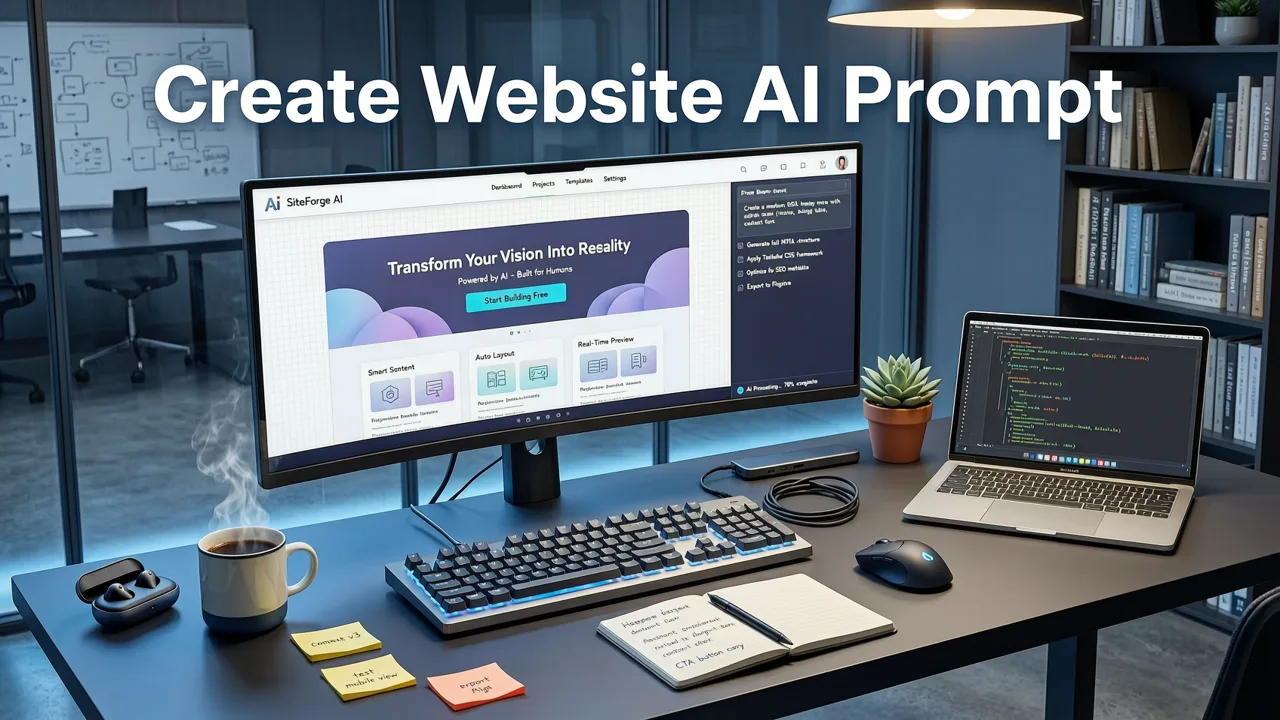
In 2026, the barrier to launching a professional web presence has fundamentally shifted. You no longer need to write a single line of code or wrestle with complex drag-and-drop interfaces to create a website with AI prompt. Modern AI website builders translate natural language instructions directly into production-ready frontend frameworks, allowing founders, freelancers, and agencies to go from a text idea to a live, deployed site in minutes.
This guide explains exactly how the technology works, how to craft effective prompts, and what features to demand from your AI builder to ensure you get a scalable, editable website rather than a rigid template.
The Step-by-Step Process of AI Web Generation
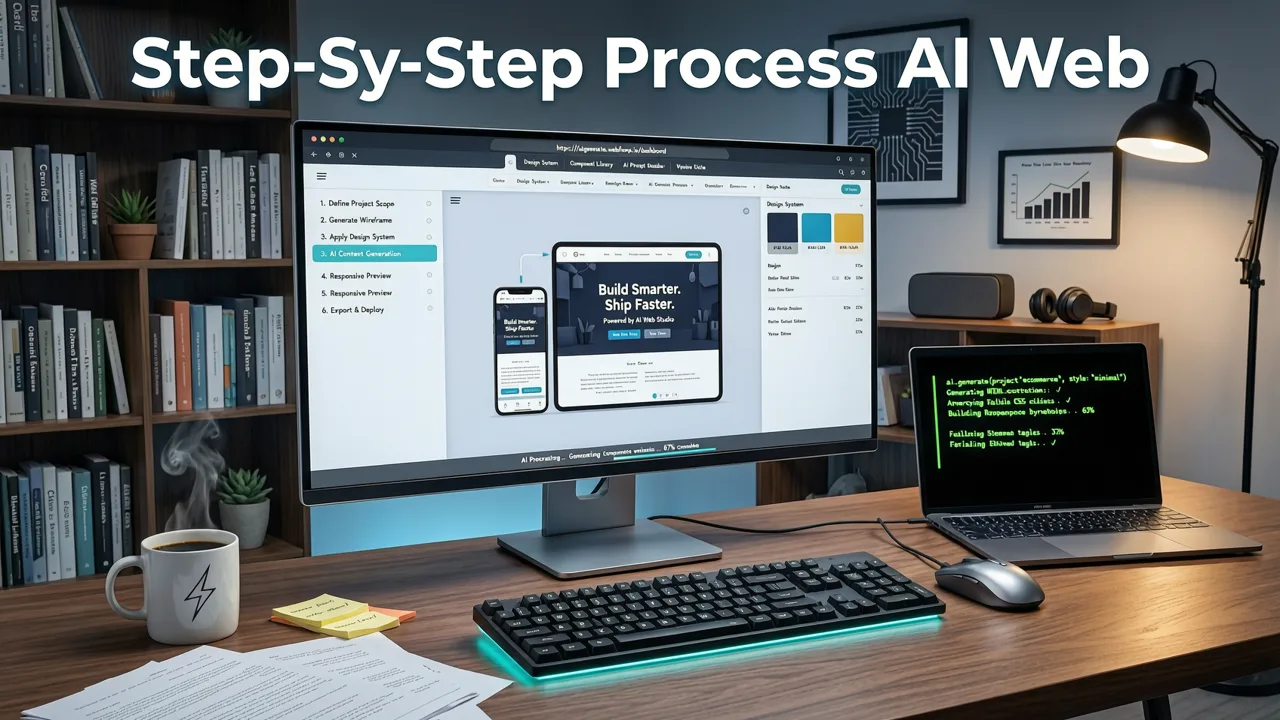
Creating a website via text prompt is not simply about typing a sentence and hoping for the best. It requires a structured workflow to ensure the output aligns with your brand and technical requirements.
Step 1: Define Your Prompt Architecture
The quality of the generated code depends entirely on the clarity of your input. Instead of a vague request like "make a landing page for a coffee shop," a high-converting prompt includes specific details about the layout, color palette, target audience, and required sections. According to OpenAI documentation, providing explicit context and structural constraints helps large language models generate more accurate and cohesive outputs.
Step 2: Generate and Live-Preview
Once the prompt is submitted, the AI processes the instructions and generates the frontend code. The best platforms provide an instant live-preview environment. This allows you to see how the layout behaves on different screen sizes before committing to the design, ensuring the site is truly responsive from the first iteration.
Step 3: Edit, Refine, and Access the Code
A major limitation of older no-code platforms is the inability to customize beyond the provided visual blocks. In 2026, the standard is full code access. If a generated component needs adjustment, you should be able to open a built-in code editor, tweak the underlying logic or styling, and see the changes reflect immediately. For teams looking to build faster with an AI Nextjs website builder in 2026, having direct access to the React and TypeScript files is non-negotiable.
Step 4: Deploy or Export
Once the site meets your standards, the final step is deployment. Leading tools offer one-click deployment to popular hosting providers, or the option to export the clean codebase to your own repository for custom CI/CD pipelines.
The Anatomy of a High-Converting AI Prompt
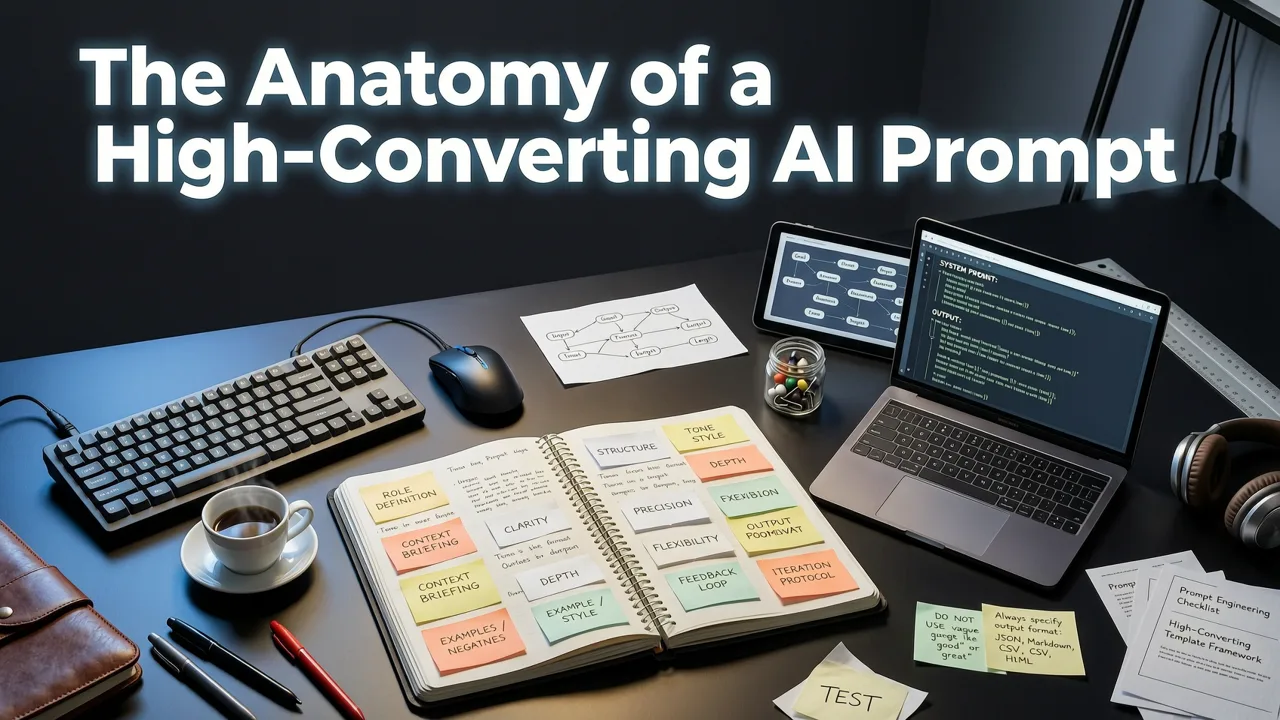
To consistently generate professional results, your prompt should follow a reliable structure. Break your instructions down into these core categories:
- Role and Context: Define the purpose of the site. (e.g., "Act as an expert frontend developer. Build a high-converting SaaS landing page for an AI analytics tool.")
- Design System: Specify the visual language. Mention frameworks like Tailwind CSS to ensure modern, utility-first styling. You can read more about leveraging these tools in our guide on the Tailwind AI Website Builder.
- Layout and Sections: List the exact sections required in order. (e.g., "Include a sticky navigation bar, a hero section with a clear CTA, a 3-column feature grid, a testimonial carousel, and a footer.")
- Responsive Behavior: Explicitly state how elements should adapt. (e.g., "Ensure the 3-column feature grid stacks vertically on mobile devices with appropriate padding.")
By structuring your prompt this way, you guide the AI to produce an AI responsive landing page that is mobile-first and structurally sound, rather than just a desktop view squeezed onto a smaller screen.
Production-Ready Code vs. Basic HTML
Not all AI-generated websites are created equal. Many basic generators output bloated, inline HTML and CSS that is impossible to maintain or scale. When you evaluate tools to create a website with AI prompt, you must distinguish between basic page generators and true production-ready code builders.
| Feature | Basic AI Page Generators | Production-Ready AI Builders |
|---|---|---|
| Output Framework | Static HTML/CSS or proprietary drag-and-drop formats | Modern frameworks like Next.js, React, and Tailwind CSS |
| Code Quality | Bloated, inline styles, difficult to refactor | Clean, modular, component-based architecture |
| Editability | Locked inside a visual editor; no code access | Full code editor access; exportable to GitHub |
| Scalability | Limited to simple brochures or single pages | Supports complex routing, APIs, and databases |
| Target Audience | Hobbyists needing a quick, simple page | Founders, freelancers, and agencies building real products |
For small agencies and freelancers managing multiple client projects, choosing a tool that outputs production-ready code is critical. It ensures that the websites you build can grow with your clients' businesses without requiring a complete rebuild a year later. For a deeper dive into how agencies are leveraging this technology, review The Best AI Website Builder for Agencies in 2026.
Ethical Considerations and Data Privacy
As AI becomes deeply integrated into web development, data privacy and ethical generation are paramount. When you input detailed prompts about your business, products, or clients into an AI builder, you are sharing sensitive context. It is vital to use platforms that respect data boundaries and do not use your proprietary business logic to train public models. Adhering to frameworks like Google AI guidance on responsible AI use helps ensure that the tools you choose prioritize user privacy, secure data handling, and transparent operations.
Common Pitfalls to Avoid
Even with advanced tools, users can stumble if they misunderstand the capabilities of the technology. Avoid these common mistakes:
- Overloading a Single Prompt: Asking the AI to build an entire complex web application with user authentication, payment processing, and a blog in one prompt will result in broken code. Break the build down into individual pages and components.
- Ignoring the Mobile View: Always test the generated layout on mobile and tablet viewports immediately. If the AI fails to format a section correctly, use the code editor to adjust the responsive utility classes.
- Accepting Proprietary Lock-in: Never use a tool that prevents you from exporting the code. If you cannot take your codebase with you, you are renting your website, not owning it.
Conclusion: Take Control of Your Web Development
The ability to create a website with AI prompt has transformed web development from a technical bottleneck into a rapid, creative process. By combining clear prompt engineering with a builder that outputs clean, modern code, founders and agencies can launch production-ready sites faster than ever before. The key is to demand full code access, modern frameworks, and true responsive design from your chosen platform.
Ready to turn your text prompts into a live, editable, and deployable website? Explore how ZyloCode combines the speed of AI with the power of Next.js and Tailwind CSS to help you build without limits.
FAQ
Quick answers to the questions teams usually ask when they apply this workflow.
Can I edit the code after I create a website with an AI prompt?
Yes, modern AI website builders provide a built-in code editor that allows you to modify the generated HTML, CSS, and JavaScript. The best platforms also allow you to export the entire codebase to your own repository for advanced customization.
What is the best framework for AI-generated websites in 2026?
Next.js combined with Tailwind CSS is the industry standard for AI-generated websites in 2026. This combination ensures the output is fast, SEO-friendly, highly responsive, and built using modern, maintainable component architecture.
Do I need to know how to code to use an AI website builder?
No, you do not need to know how to code to generate a site. However, having a basic understanding of web structure and CSS frameworks like Tailwind will significantly improve your ability to write effective prompts and make advanced edits.
Are AI-generated websites mobile-responsive?
Yes, provided you use a production-ready AI builder and include responsive instructions in your prompt. Top-tier tools generate mobile-first layouts by default, ensuring the site looks and functions correctly on all screen sizes.
Apply the playbook
Ready to build your website?
Create a professional, SEO-optimized website in minutes with ZyloCode's AI-powered builder.
Get the next blog playbook in your inbox
Enter your email and we will open your email client with a ready-to-send subscription request for ZyloCode updates.
Previous article
The Best AI Website Builder for Agencies in 2026
Discover the best ai website builder for agencies in 2026. Compare top tools that generate production-ready Next.js and Tailwind code for your clients.
Next article
Build a Nextjs Site With AI: The 2026 Founder Guide
Learn how to build a nextjs site with ai in 2026. Discover how founders and agencies generate production-ready Next.js and Tailwind code instantly.
Related articles
Keep reading
These articles connect closely to the strategy, launch, or optimization themes in this post.

Best AI Website Builder That Exports Code in 2026
Discover the best AI website builder that exports code in 2026. Generate, edit, and deploy production-ready Next.js sites from text prompts without vendor lock-in.