On this page
9 sectionsBrowse the main headings and deeper subtopics from this article.
Looking for a true Tailwind AI website builder in 2026? ZyloCode generates production-ready Next.js + Tailwind sites from text prompts — with live editing, export, and
RankOnPilot AI
Content Partner
On this page
9 sectionsBrowse the main headings and deeper subtopics from this article.
Recommended next

If you’re a founder, freelancer, or small agency launching a website in 2026 — and you’ve tried a so-called ‘AI website builder’ only to hit a wall when you needed to change a hover effect, fix mobile spacing, or integrate your CRM — you’re not broken. The tool is.
A real Tailwind AI website builder in 2026 doesn’t just generate pretty pages. It delivers editable, production-grade Next.js code — styled with semantic, responsive Tailwind classes — inside a fully functional online code editor. No abstraction layers. No vendor lock-in. No static HTML exports that break on the first custom script. Just clean, human-readable, framework-native code — generated from your prompt, refined in-browser, and deployed or exported in seconds.

The phrase Tailwind AI website builder sounds powerful — and it should be. But in practice, many tools mislead. They either:
bg-blue-500, md:grid-cols-3, or hover:underline usage;page.tsx or layout.tsx files;By mid-2026, this approach is no longer acceptable. Founders need websites that grow with their business — not templates that require rebuilding at $15k+ when traffic hits 50k/month.
A genuine Tailwind AI website builder must satisfy three non-negotiable criteria:
async Server Components, metadata definitions, route handlers, and proper folder structure (app/, components/, lib/);If your AI website builder fails even one of these, it’s not a Tailwind AI website builder. It’s a brochure generator with an AI sticker.
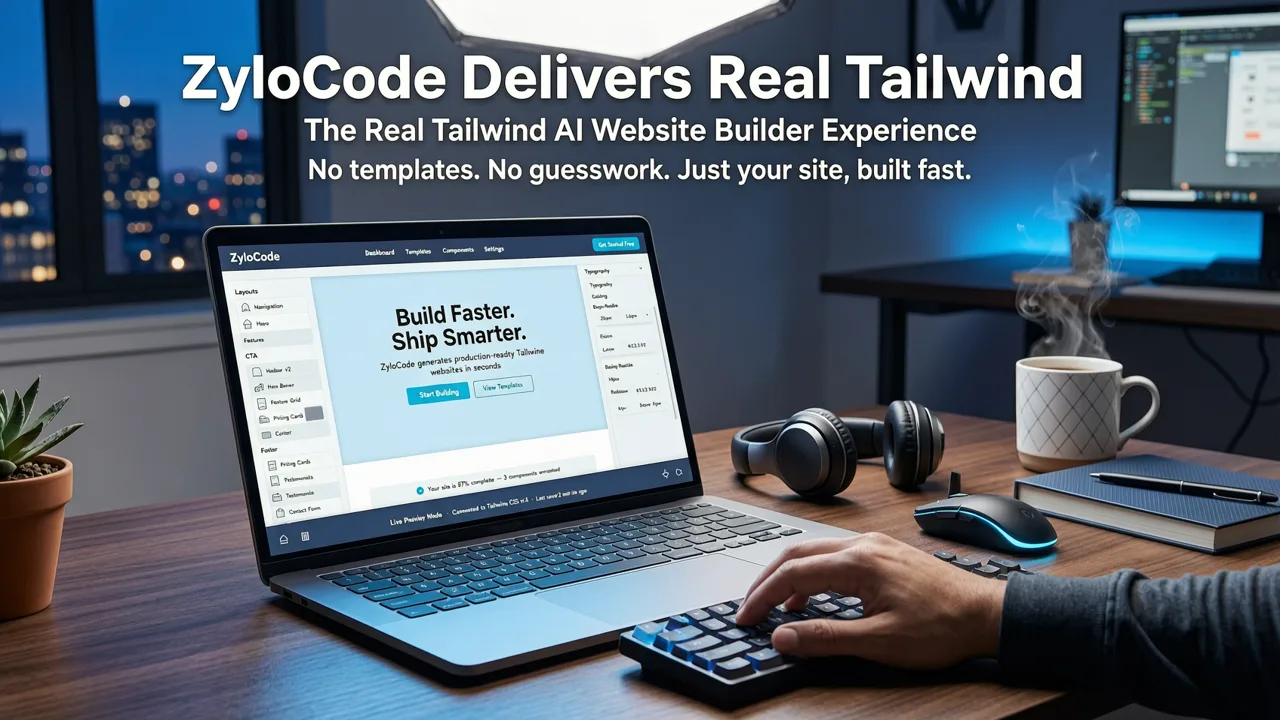
ZyloCode isn’t another low-code dashboard pretending to be developer-grade. It’s built ground-up for founders who demand both speed and sovereignty — a rare combination in 2026’s AI tooling landscape.
Enter a natural-language prompt like:
"A landing page for a climate tech startup launching a carbon-tracking SaaS. Include hero section with animated CTA, features grid (3 cards), customer logos carousel, testimonial section with author avatars, FAQ accordion, and sticky footer with newsletter signup. Use a green-to-teal gradient palette, dark mode support, and ensure all sections are responsive down to 320px."
ZyloCode interprets intent, not just keywords. It leverages fine-tuned LLM orchestration (aligned with OpenAI’s latest reasoning models) to generate semantically structured, accessible, SEO-optimized Next.js pages — with properly nested <section>, <article>, and ARIA attributes baked in.
Crucially, every styling decision uses real Tailwind classes — no magic CSS-in-JS wrappers. You’ll see lg:col-span-2, focus-visible:ring-2 focus-visible:ring-offset-2, and dark:bg-gray-900 exactly where they belong.
Unlike most AI builders that stop at preview mode, ZyloCode boots your generated site into a fully functional browser-based IDE — powered by Monaco (the same engine behind VS Code). This isn’t a toy editor. It supports:
app/, components/, styles/, and lib/;npm run dev, npm run build, or custom scripts.This environment transforms AI generation from a one-time output into an iterative development loop. Need to add a Supabase auth flow? Drop in auth/page.tsx. Want to swap the default font stack? Edit tailwind.config.ts — and watch changes propagate instantly.
For deeper workflow context, see our guide on the Online Code Editor for AI-Generated Websites: Edit, Preview & Deploy.
When you’re ready to ship, ZyloCode offers two sovereign paths:
package.json, next.config.js, tailwind.config.ts, and all source files — ready to host anywhere: Cloudflare Pages, Netlify, AWS Amplify, or your own infrastructure.No watermarks. No forced branding. No proprietary runtime dependencies. Just standard, community-supported, production-ready code — yours to own, extend, and audit.
Learn exactly how this works in our step-by-step guide: Export Next.js Site from AI Builder – Full Code Access in 2026.
Not all AI-powered website tools are built for technical founders. Below is how ZyloCode compares against widely used alternatives as of mid-2026 — based on real user testing, open-source audits, and documented limitations.
| Feature | ZyloCode | Tool A (No-Code SaaS) | Tool B (Open-Source CLI) | Tool C (Enterprise CMS) |
|---|---|---|---|---|
| Generates real Tailwind classes | ✅ Yes — full v4.x support, arbitrary values, dark mode variants | ❌ Simulated classes only (e.g., bg-primary mapped to hardcoded hex) |
✅ Yes — but requires manual config & plugin setup | ❌ None — uses internal CSS-in-JS system |
| Outputs Next.js App Router code | ✅ Yes — full app/ directory, Server Components, metadata |
❌ No — static HTML + JS bundle only | ⚠️ Partial — lacks ISR, route handlers, and layout nesting | ❌ No — proprietary SSR framework |
| Built-in online code editor | ✅ Full Monaco-powered IDE with hot reload & IntelliSense | ❌ Visual-only builder; no file access | ❌ CLI only — no browser interface | ❌ Admin dashboard only; no source file visibility |
| Export full, editable source code | ✅ ZIP download — zero lock-in, MIT-licensed starter | ❌ Not possible; locked behind SaaS dashboard | ✅ Yes — but missing Tailwind config & deployment scripts | ❌ Export limited to templated HTML snippets |
| Support for custom hooks, APIs & integrations | ✅ Yes — add Clerk, Stripe, Resend, Supabase, etc. in minutes | ❌ No — only pre-approved widgets | ✅ Yes — but docs assume advanced Next.js knowledge | ❌ Vendor-controlled API gateway only |
This isn’t for everyone — and that’s intentional. ZyloCode serves professionals who understand that speed without control creates technical debt faster than writing code by hand.
You need to validate messaging, convert early users, and iterate on design — not spend weeks configuring Webpack or debugging hydration errors. With ZyloCode, you go from pitch deck to live, SEO-indexed, mobile-optimized site in under 90 minutes — then keep refining the code as your product evolves.
And because it’s real Next.js, scaling to 100k+ monthly visitors means upgrading your Vercel plan — not rewriting your entire frontend.
Your clients don’t pay for “AI-generated” — they pay for results. A Tailwind AI website builder lets you deliver polished, branded, performant sites in days instead of weeks — while retaining full ownership of the codebase. No more explaining why the client can’t change their logo link without contacting you.
Plus, your portfolio stays future-proof: every site you build with ZyloCode is a reusable, upgradeable Next.js project — not a screenshot in a Behance gallery.
Agencies face pressure to lower cost-per-project while maintaining quality. ZyloCode acts as a force multiplier: junior designers write prompts and refine layouts; senior devs jump in to add analytics, headless CMS integrations, or complex forms — all within the same codebase.
With team plans supporting shared prompts, versioned templates, and role-based access, agencies maintain consistency across 5–50 client sites — without reinventing the wheel each time.
Here’s how top-performing founders and freelancers use ZyloCode as their daily Tailwind AI website builder — optimized for real-world velocity:
Effective prompting in 2026 goes beyond aesthetics. Include:
ZyloCode’s prompt engine parses these signals — prioritizing performance-critical elements (like LCP image optimization) and accessibility patterns (like skip links and heading order) automatically.
Don’t treat the preview as final. Open app/layout.tsx and adjust the <html lang="en" className="scroll-smooth"> root. Open components/hero.tsx and replace the default CTA button with a Link component pointing to your Calendly. Add className="animate-fade-in-up" to trigger Framer Motion — if installed.
This is where ZyloCode diverges: it treats AI generation as the *first commit*, not the finished product. For details on this mindset shift, read How to Edit AI-Generated Website Code in 2026.
Once validated:
Either way, you retain full IP rights and operational autonomy — critical for Series A fundraising, SOC 2 audits, or white-label reselling.
We hear these questions often — especially from technically savvy users evaluating AI tooling critically:
Yes — if the tool treats code as opaque output. ZyloCode mitigates this by design:
eval(), unsafe innerHTML, or hardcoded secrets — all API keys and tokens are injected via environment variables;We align with Google’s AI principles — prioritizing transparency, controllability, and verifiability over pure automation.
Yes — though ZyloCode is optimized for greenfield builds, its editor supports importing existing Next.js + Tailwind projects. You can paste your app/ folder, then use AI commands like "Convert this legacy class-based component to a Server Component with loading states" or "Add dark mode toggle using Next.js App Router conventions". It’s less about replacement, more about acceleration.
You won’t. Because ZyloCode isn’t an AI tool that *replaces* developers — it’s a developer tool that *leverages* AI. The moment you need custom authentication, multi-tenant routing, or real-time dashboards, you’re already working in real Next.js code. There’s no cliff. No rewrite. No platform dependency.
In 2026, the bar for AI website builders has risen sharply. Founders, freelancers, and agencies no longer settle for static templates disguised as innovation. They demand production-ready, editable, portable code — generated intelligently, but owned entirely.
ZyloCode is the only Tailwind AI website builder engineered for that reality: one that starts with your words, delivers real Next.js + Tailwind code, and puts full control — not convenience — at the center of your workflow.
Start building your next site in minutes — not months. Try ZyloCode free today and experience what a true Tailwind AI website builder feels like in 2026.
Quick answers to the questions teams usually ask when they apply this workflow.
ZyloCode generates real, official Tailwind CSS v4.x classes — including arbitrary values (e.g., bg-[#0ea5e9]), responsive prefixes (sm:, md:, lg:), dark mode variants (dark:bg-gray-800), and JIT-compiled utilities. No abstractions or simulated naming.
Yes. You can deploy directly to Vercel, Netlify, Cloudflare Pages, or any platform supporting Next.js static or server-side rendering. You can also export the full source code and host it anywhere — including private infrastructure.
Yes. All generated Next.js code is TypeScript-first, with strict typing for props, API responses, and component interfaces. Type checking runs in-editor and during build — ensuring reliability from day one.
Yes. Sites generated with ZyloCode are 100% your property. There are no licensing restrictions, royalties, or platform lock-in. You may modify, redistribute, sell, or audit the code freely.
Apply the playbook
Create a professional, SEO-optimized website in minutes with ZyloCode's AI-powered builder.
Enter your email and we will open your email client with a ready-to-send subscription request for ZyloCode updates.
Previous article
Learn how to edit AI-generated website code effectively in 2026 — from live-previewing changes in a real Next.js + Tailwind editor to exporting production-ready source
Next article
Explore the full range of ZyloCode code editor features in 2026 — live preview, syntax-aware editing, Tailwind IntelliSense, Next.js support, and one-click export. Built
Related articles
These articles connect closely to the strategy, launch, or optimization themes in this post.

Learn how to edit AI-generated website code effectively in 2026 — from live-previewing changes in a real Next.js + Tailwind editor to exporting production-ready source

The best AI responsive landing page generator in 2026: generate mobile-first, Next.js + Tailwind sites from text prompts — with full code access, live preview, and

Explore the full range of ZyloCode code editor features in 2026 — live preview, syntax-aware editing, Tailwind IntelliSense, Next.js support, and one-click export. Built

Learn how to export a Next.js site from an AI builder in 2026 — with full source code, no lock-in, and production-ready output. See why ZyloCode delivers true framework