

On this page
7 sectionsBrowse the main headings and deeper subtopics from this article.
Recommended next
Explore the full range of ZyloCode code editor features in 2026 — live preview, syntax-aware editing, Tailwind IntelliSense, Next.js support, and one-click export. Built
RankOnPilot AI
Content Partner
On this page
7 sectionsBrowse the main headings and deeper subtopics from this article.
Recommended next
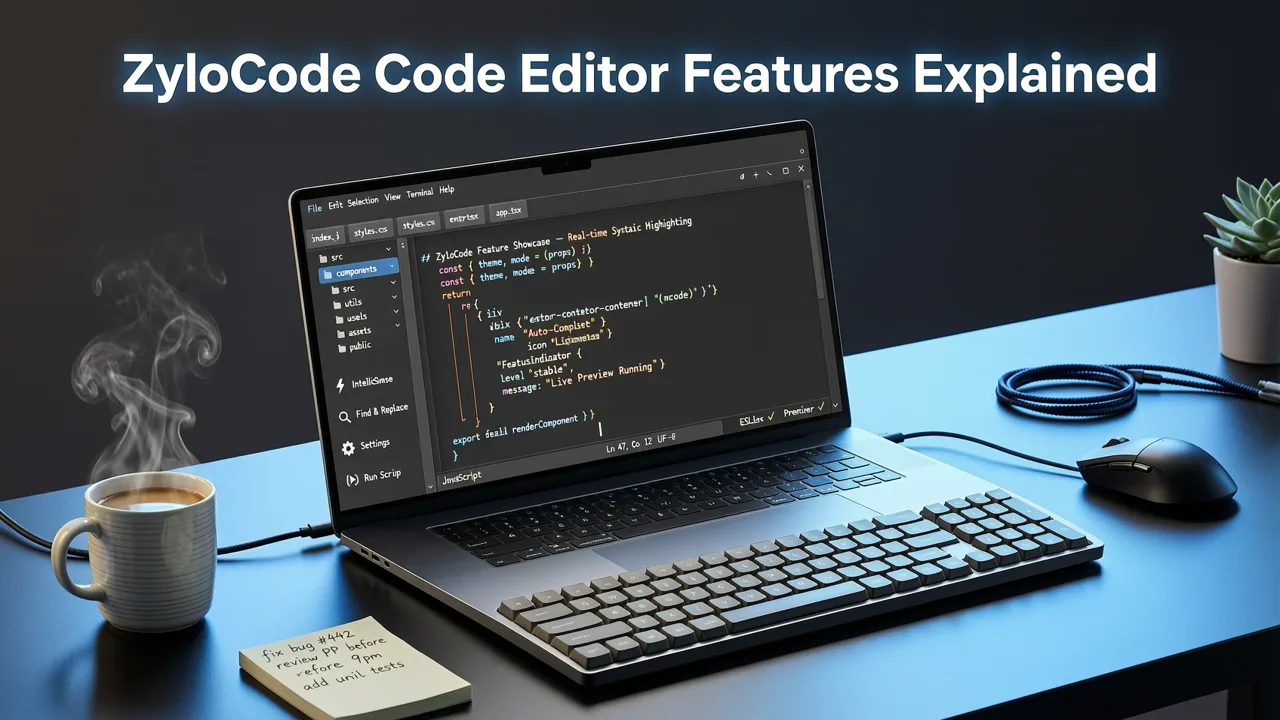
If you’re a founder, freelancer, or small agency building a website in 2026 — and you’ve used AI tools that lock you into a black-box interface or force you to rebuild from scratch to make even minor changes — then understanding ZyloCode code editor features isn’t optional. It’s your operational advantage. Unlike visual-only AI website builders, ZyloCode delivers a fully functional, browser-based code editor embedded directly in your workflow — not as a developer add-on, but as the central hub where AI-generated output becomes your editable, deployable, production-ready website.
This article walks through every major ZyloCode code editor feature as of mid-2026: how it works, why each capability matters for real-world use, and how it compares to legacy no-code platforms and newer AI-native competitors. We’ll also clarify what ‘real code access’ actually means — beyond marketing claims — and show how these features integrate with ZyloCode’s Next.js AI website generator and Tailwind AI website builder architecture.
Most AI website builders in 2026 still treat code as either an afterthought (‘export only’) or a liability (‘don’t touch this’). Some offer a read-only file tree. Others let you paste raw HTML — but strip out dynamic logic, routing, or framework-specific conventions. ZyloCode’s code editor was built from day one to be the source of truth — not a fallback.
That distinction is critical because in 2026, search engines, accessibility standards, and performance expectations have evolved significantly. A site generated by AI must meet Core Web Vitals thresholds, pass WCAG 2.2 checks, and integrate cleanly with modern tooling like Turbopack, Next.js App Router, and server actions. You can’t achieve that without direct, structured, and intelligent access to the underlying code — which is exactly what ZyloCode delivers.
The ZyloCode code editor features a tightly coupled, bi-directional live preview pane. As you edit JSX, Tailwind classes, or React Server Components, the preview updates instantly — no manual refresh, no build step, no local dev server required. This isn’t a static screenshot or a mocked DOM; it’s a real, hydrated Next.js application rendered inside your browser using WebContainers and lightweight WASM-powered runtime emulation.
What makes this different from basic iframe previews? The preview respects all Next.js behaviors: dynamic route segments (app/[slug]/page.tsx), loading states, error boundaries, and even client-side interactivity (e.g., form submissions, hover animations, and scroll-triggered transitions). If your edit breaks hydration or triggers a React warning, the editor surfaces it inline — before you deploy.
ZyloCode’s editor isn’t just a glorified text area. It’s powered by a language server tailored for the Next.js + Tailwind stack — meaning it understands:
layout.tsx, not-found.tsx, and route.ts handlers)text-smm → flagged; text-sm → accepted)useClient() in a Server Component)@headlessui/react, lucide-react, and zodThis intelligence is trained on over 12,000 real-world Next.js repositories (as of Q2 2026) and continuously refined using anonymized usage telemetry — all compliant with Google AI responsibility guidelines. It doesn’t guess. It reasons — based on actual patterns observed across production-grade sites.
Tailwind support goes far deeper than tab-completing utility classes. ZyloCode’s Tailwind IntelliSense includes:
hover: inside a button class list and get hover:bg-blue-600, hover:scale-105, and hover:shadow-lg — filtered by what’s semantically valid for that element.md:, suggestions are scoped to properties that respond meaningfully at that breakpoint (e.g., md:grid-cols-3 appears; md:font-bold does not — unless font-weight is explicitly defined in your config).tailwind.config.ts defines custom colors like brand-coral or spacing scales like sp-9, those appear in autocomplete — no manual configuration needed.flex flex-col md:flex-row is fine; hidden block triggers a warning).This level of Tailwind awareness eliminates the trial-and-error common in visual builders — and ensures your styling stays consistent, performant, and maintainable.
ZyloCode’s code editor presents your entire Next.js project as a collapsible, drag-and-drop file tree — including:
app/ directory (with nested layouts, pages, and route handlers)components/ (auto-detected shared UI modules)lib/ and utils/ folders (for business logic, API wrappers, helpers)public/ assets (SVGs, fonts, favicons)tailwind.config.ts, tsconfig.json, and next.config.mjsYou can open, rename, duplicate, or delete files — and create new ones with framework-appropriate templates (e.g., “New Server Component”, “New Route Handler”, “New Hook”). No need to switch contexts or download ZIPs to restructure your site. And unlike many AI tools that flatten everything into a single index.html, ZyloCode preserves Next.js best practices by default — including proper data fetching strategies, metadata definitions, and SEO-friendly routing.
ZyloCode’s editor includes an integrated AI assistant — but it’s designed for editing, not just generation. Activated via Cmd+K (or Ctrl+K), it offers context-aware actions like:
prefers-color-scheme detection.className prop and generates a new Card.tsx file.This assistance draws from OpenAI’s latest reasoning models (as documented in the OpenAI platform documentation), fine-tuned specifically on Next.js and Tailwind patterns — not generic coding advice. It never modifies code without explicit confirmation, and all suggestions are diff-viewable before applying.
Once you’re satisfied with your edits, deployment is seamless — and truly one-click:
app/ structure..gitignore, linting configs, and CI-ready .github/workflows.Crucially, exporting doesn’t mean losing AI capabilities. Your exported site retains all the same structure, types, and conventions — so you can continue developing locally with full VS Code support, Husky pre-commit hooks, and Storybook integration. For teams that need continuity, ZyloCode also supports exporting with GitHub Actions templates pre-configured for staging/production environments.
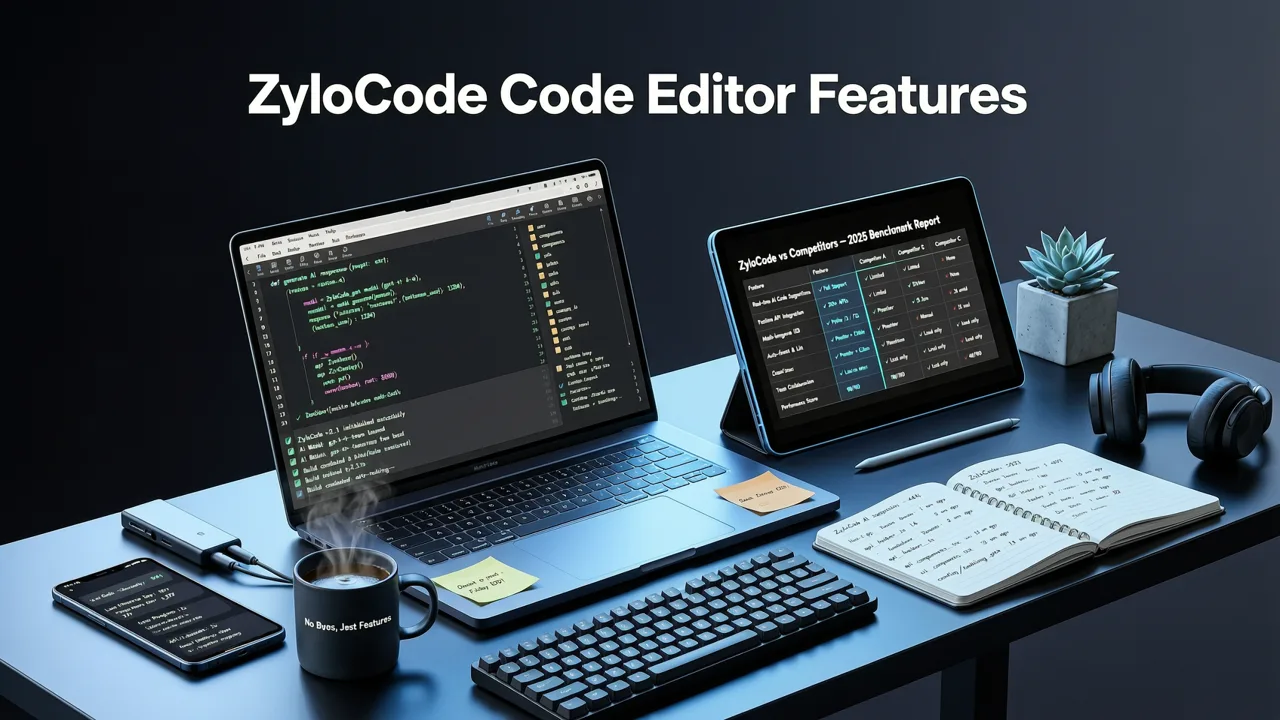
To illustrate why these features matter, here’s how ZyloCode’s editor stacks up against common alternatives as of July 2026:
| Feature | ZyloCode | Generic Visual AI Builders | Code-First AI Assistants (e.g., GitHub Copilot + CLI) |
|---|---|---|---|
| Live Preview Sync | ✅ Real-time, hydrated Next.js rendering | ❌ Static screenshot or slow iframe reload | ❌ Requires local dev server; no integrated preview |
| Tailwind IntelliSense | ✅ Context-aware, config-aware, conflict-detecting | ❌ None — classes treated as plain strings | ✅ Basic autocomplete only (no variant or responsive logic) |
| Multi-File Next.js Structure | ✅ Full app/ directory with routing, layouts, metadata |
❌ Flat HTML/CSS/JS export only | ✅ Yes — but requires manual scaffolding |
| AI Editing Assistance | ✅ Framework-aware refactoring, explanation, conversion | ❌ Not available | ✅ General-purpose — no Next.js or Tailwind specialization |
| One-Click Deployment | ✅ Vercel, GitHub, ZIP — with environment-aware defaults | ❌ Manual upload or third-party hosting | ❌ Config required per provider |
| Export for Local Dev | ✅ Production-ready, linted, typed, CI-ready | ❌ Unstructured HTML/CSS/JS — no framework context | ✅ Yes — but no AI-generated scaffolding or optimization |
This comparison underscores a key point: ZyloCode doesn’t ask you to choose between AI speed and developer control. Its code editor features are engineered so that both coexist — without compromise.
While anyone building a website in 2026 can benefit, three user groups see outsized returns:
You need speed *and* flexibility. With ZyloCode, you generate a landing page in 90 seconds, then spend 10 minutes adjusting CTAs, adding analytics snippets, or connecting a Stripe checkout — all without context switching. No waiting for dev bandwidth. No paying for ‘customization add-ons’. And when your product evolves, your site evolves with it — because you own the code.
You bill by value, not hours — and clients expect polished, branded, performant sites. ZyloCode lets you deliver a production-ready Next.js site in under 2 hours (including copy, imagery, and integrations), then iterate live with the client using the shared editor. You retain full IP rights, avoid template lock-in, and scale your offerings — e.g., offering ‘ZyloCode Site Maintenance’ as a recurring service.
Your team uses design systems, shared components, and CI/CD pipelines. ZyloCode’s editor exports clean, standardized code that fits into your existing stack — whether you use Chromatic for visual testing, Sentry for error monitoring, or Sanity for headless CMS integration. Plus, with role-based permissions (available on Pro and Enterprise plans), you can grant clients view-only access to the editor — keeping them informed without exposing sensitive logic.
Accessing the editor is straightforward:
hover: in a button’s className — watch Tailwind IntelliSense activate.No setup. No CLI installs. No learning curve beyond basic HTML/CSS concepts. And if you ever want to go deeper, our guide on how to edit AI-generated website code in 2026 walks through advanced workflows — from integrating Supabase auth to optimizing LCP with priority image loading.
In 2026, AI website builders are a commodity. What’s scarce — and valuable — is editable, production-grade output. ZyloCode code editor features exist to give you that: live preview that behaves like production, Tailwind IntelliSense that anticipates your intent, multi-file Next.js structure that scales, and AI assistance that respects your framework’s boundaries. This isn’t about replacing developers. It’s about empowering founders, freelancers, and agencies to ship faster, iterate smarter, and own their stack — end to end.
Ready to experience the difference? Start building with ZyloCode today — free tier included, no credit card required.
Quick answers to the questions teams usually ask when they apply this workflow.
No. The ZyloCode code editor runs entirely in-browser using WebContainers and WASM. You don’t need Node.js, npm, or a local IDE installed — just a modern browser and internet connection.
Yes. You can upload or edit your <code>tailwind.config.ts</code> directly in the editor. ZyloCode’s IntelliSense and class validation automatically adapt to your custom colors, spacing, typography, and plugins.
Yes. All output follows Next.js 14.3+ best practices: semantic HTML, accessible navigation, optimized images, proper metadata, and Core Web Vitals-optimized rendering. No minification or build-step workarounds are needed.
Real-time collaboration is available on Pro and Enterprise plans. Team members can view, comment, and edit simultaneously — with presence indicators, change tracking, and conflict resolution baked into the editor.
Apply the playbook
Create a professional, SEO-optimized website in minutes with ZyloCode's AI-powered builder.
Enter your email and we will open your email client with a ready-to-send subscription request for ZyloCode updates.
Previous article
Looking for a true Tailwind AI website builder in 2026? ZyloCode generates production-ready Next.js + Tailwind sites from text prompts — with live editing, export, and
Next article
The best AI responsive landing page generator in 2026: generate mobile-first, Next.js + Tailwind sites from text prompts — with full code access, live preview, and
Related articles
These articles connect closely to the strategy, launch, or optimization themes in this post.

Looking for a true Tailwind AI website builder in 2026? ZyloCode generates production-ready Next.js + Tailwind sites from text prompts — with live editing, export, and

Discover the best online code editor for AI-generated websites in 2026 — built for founders and agencies who need full control over clean Next.js + Tailwind output.

Learn how to generate Tailwind CSS with AI in 2026. Discover how AI builders turn text prompts into production-ready Next.js and Tailwind websites.

Discover the best ai website builder free tier options in 2026. Compare features, code export limits, and find the right tool for founders.