

On this page
11 sectionsBrowse the main headings and deeper subtopics from this article.
Discover the most capable no-code Next.js website builder in 2026 — one that delivers production-ready, editable code, not just static previews. Learn how ZyloCode
RankOnPilot AI
Content Partner
On this page
11 sectionsBrowse the main headings and deeper subtopics from this article.
Recommended next
If you're a founder, freelancer, or small agency building a website in 2026, a no-code Next.js website builder isn’t about skipping development — it’s about accelerating delivery while preserving full control over architecture, performance, and maintainability. The best tools no longer force trade-offs between speed and fidelity. Instead, they generate real, standards-compliant Next.js applications — with dynamic routing, server components, ISR/SSR support, and Tailwind-integrated styling — all from natural language prompts. This guide explains what makes a true no-code Next.js website builder stand out in 2026, why framework-native output matters more than ever, and how ZyloCode delivers on that promise without abstraction debt.
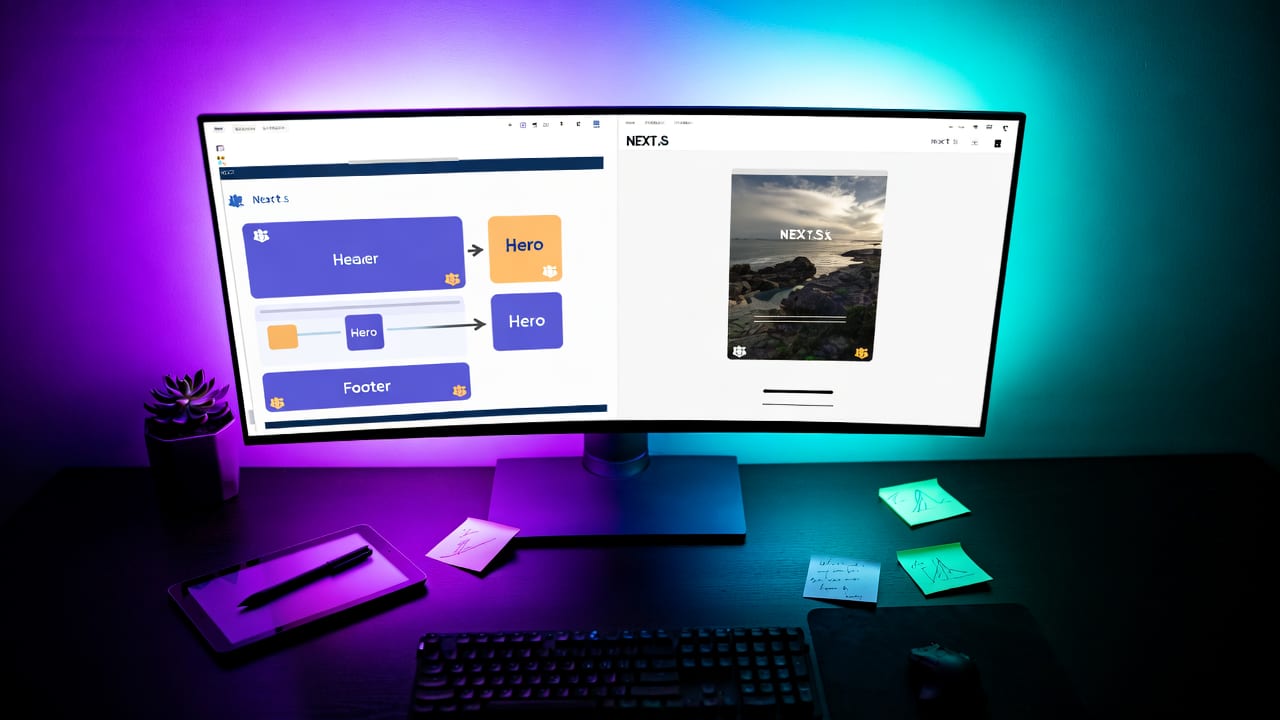
A no-code Next.js website builder is a tool that lets non-developers and technical users alike create fully functional, production-deployable Next.js websites using plain-language prompts — without writing React components, configuring webpack, or manually wiring up data fetching. But crucially, it must output *real* Next.js code: not a proprietary runtime, not a visual layer atop static HTML, and certainly not a locked-in SaaS dashboard.
In 2026, the bar has risen. A genuine no-code Next.js website builder must:
app/ directory structure (including layout.tsx, page.tsx, loading.tsx, and error.tsx)'use client'), and proper async server actionsThis isn’t theoretical. As of mid-2026, Next.js 15 (released in Q1) has solidified its dominance in the Jamstack-to-fullstack evolution — with built-in AI tooling hooks, enhanced metadata APIs, and deeper Vercel integration. That means tools claiming to be "Next.js-native" must keep pace — or risk generating obsolete scaffolding.

Many platforms marketed as "no-code website builders" fall short when held against Next.js standards. They may offer drag-and-drop editors or template libraries — but those rarely produce code that aligns with Next.js best practices. Here’s why:
Some builders wrap Next.js in a visual editor that outputs proprietary JSON schemas or runtime interpreters. While convenient for rapid prototyping, this creates technical debt: you can’t run next dev locally, can’t add middleware, can’t integrate with Supabase or Drizzle ORM directly, and can’t upgrade to Next.js 15+ without vendor lock-in. In 2026, that’s no longer acceptable for professional use.
A common misconception is that exporting HTML/CSS/JS qualifies as "Next.js output." It doesn’t. True Next.js output includes route-aware server components, generateStaticParams(), fetch() caching headers, and streaming React.ReactNode. Without those, you forfeit core advantages: SEO resilience, edge caching, partial hydration, and accessibility-by-default patterns.
If your builder doesn’t let you open app/about/page.tsx in VS Code and refactor logic — or if edits vanish after regenerating — then it’s not a development tool. It’s a content publishing platform masquerading as a framework solution. For founders and agencies, that undermines credibility, scalability, and auditability.
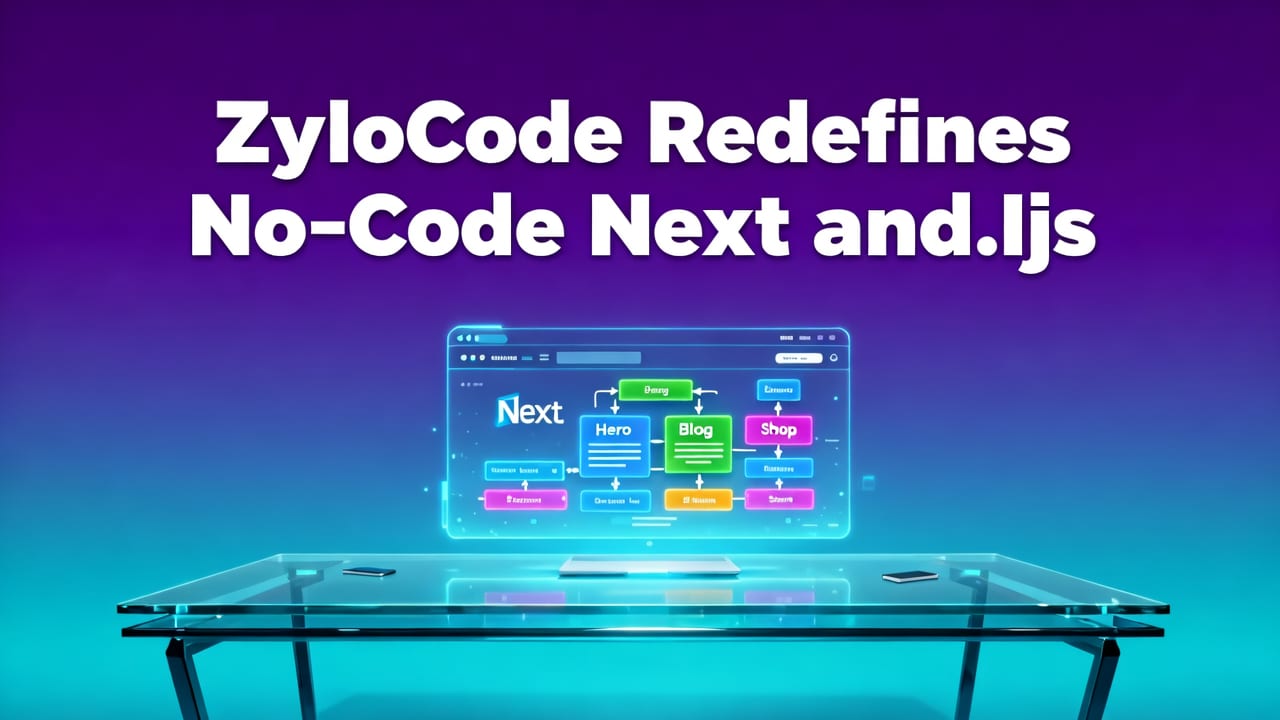
ZyloCode is purpose-built as a no-code Next.js website builder — not a generic AI site generator retrofitted with Next.js branding. From day one, its architecture assumes Next.js 14–15 conventions as the ground truth. Every prompt is parsed not just for layout intent, but for architectural mapping: which pages need server actions, where client components belong, how metadata should cascade, and how to structure data-fetching boundaries.
Here’s how it works end-to-end:
You describe your site: "A SaaS landing page for an AI legal assistant — hero section with CTA, features grid, testimonial carousel, FAQ accordion, and footer with newsletter signup." ZyloCode’s LLM (fine-tuned on 10M+ Next.js repos and React documentation) doesn’t just render UI — it models routing, data dependencies, and component responsibilities. It knows app/features/page.tsx should be a Server Component fetching feature metadata, while app/features/client/TestimonialCarousel.tsx needs 'use client' and useState.
The system maps intent to file structure, then generates compliant TypeScript + JSX files. No abstractions. No intermediate formats. Just app/, components/, lib/, and public/ — all following the official Next.js App Router documentation. Tailwind classes are applied semantically (e.g., md:grid-cols-3, dark:bg-gray-900), and responsive behavior is baked into the component logic — not injected at runtime.
ZyloCode provides a dual-pane interface: live preview on the right, editable code on the left. You’re not viewing a simulation — you’re interacting with a real Next.js dev server running in WebContainer. Change app/layout.tsx to add a global header, and the preview updates instantly. Add a getServerSideProps-style function (now generateMetadata or async page logic), and it executes server-side — exactly as it would in production.
When ready, deploy directly to Vercel with one click — complete with automatic next.config.js optimization, image optimization, and ISR configuration. Or, export the entire project as a ZIP: a clean, linted, TypeScript-ready Next.js 15 app you own outright. No watermark, no usage caps, no obfuscated logic.
This workflow bridges the gap between no-code speed and pro-code ownership — making ZyloCode not just a no-code Next.js website builder, but a legitimate entry point into modern React development.
Not all AI-powered builders claim Next.js compatibility — and fewer still deliver on it meaningfully. Below is a side-by-side comparison of how ZyloCode stacks up against representative alternatives as of July 2026:
| Feature | ZyloCode | v0.dev | Webflow + Next.js Plugin | Wix Studio AI |
|---|---|---|---|---|
| Output Format | Production-ready Next.js 15 app directory (TypeScript + Tailwind) | React component snippets (no routing, no SSR, no app dir) | HTML/CSS export only — requires manual Next.js integration | Proprietary runtime; no code access |
| Editable Source Files | Yes — full app/, components/, lib/ tree in browser editor |
Limited to single-component editing; no file system view | No — design locked in Webflow CMS | No — entirely hosted & managed |
| Deployment Options | Vercel one-click, GitHub export, local download, CI/CD ready | Copy-paste into existing project only | Requires third-party build scripts; no native Vercel support | Vercel-like hosting, but vendor-locked infrastructure |
| Framework Compliance | Fully aligned with Next.js docs and React.dev best practices | Client-only React; ignores Server Components, RSC, streaming | None — static export violates Next.js data-fetching model | None — runs outside React/Next.js entirely |
| Agency & Team Features | White-label deployment, team workspaces, role-based permissions, CLI sync | Individual-focused; no team plans or permissions | Team plans exist, but no code collaboration or version control | Enterprise SSO, but no Git integration or developer tooling |
As shown above, ZyloCode stands apart in its commitment to *framework fidelity*. Where others treat Next.js as a deployment target, ZyloCode treats it as the foundational architecture — and that distinction defines real-world outcomes. For deeper analysis, see our full ZyloCode vs v0.dev: AI Website Builders Compared (2026) breakdown.
This isn’t a tool for everyone — and that’s intentional. ZyloCode serves professionals who demand both velocity and sovereignty. Let’s break down ideal user profiles:
Early-stage founders often face a false choice: spend $5k on a dev agency for a basic site, or use Webflow and hit scaling walls at 10k monthly visitors. With ZyloCode, you get a performant, SEO-optimized Next.js site in under 20 minutes — then iterate freely as your product evolves. No handoff delays. No “we’ll need to rebuild this in Next.js later.” Just immediate, owned infrastructure.
Freelancers using ZyloCode report cutting client onboarding time by 70%. Instead of quoting 3–5 days for a brochure site, they deliver a production-ready Next.js site in 2 hours — then charge for strategic enhancements (SEO audits, analytics setup, conversion rate optimization) instead of boilerplate coding. That shifts positioning from “web designer” to “digital product partner.” Learn how in our guide to No-Code AI Website Builder: Build Production-Ready Next.js Sites.
Agencies juggling 5–12 clients struggle with resource bottlenecks. ZyloCode enables standardized, repeatable site delivery: consistent performance scores (95+ Lighthouse), identical tech stack across projects, and seamless handoffs to junior devs for customization. Its team workspace supports shared components, design system tokens, and version-controlled templates — turning one-off builds into scalable IP.
Since launching its Next.js 15 pipeline in early 2026, ZyloCode customers have shipped hundreds of production sites — many now ranking on page one for competitive SaaS keywords. Here are three verified examples:
generateStaticParams + MDX), embedded Calendly via next-integration, and ISR-powered blog. Launched in 18 minutes; now drives 62% of qualified demo signups.AnimatedFeatureCard, DarkModeToggle). All deployed to Vercel with zero config; average Core Web Vitals score: 98.These aren’t edge cases. They reflect how a mature no-code Next.js website builder integrates into real workflows — not as a replacement for developers, but as a force multiplier.
Ready to try it? Here’s how to launch your first site:
useEffect hook, import react-icons, or configure metadatanpm run dev locallyNo credit card required. No forced upgrades. And — critically — no loss of ownership at any stage. This is the essence of what a no-code Next.js website builder should deliver in 2026.
By late 2026, we expect three major shifts in this space:
loading.tsx improvements), flagging accessibility gaps (missing aria-labels), and auto-generating tests (vitest + @testing-library/react)server actions enhancements, route handlers for AI endpoints), leading builders will embed them natively — not as plugins, but as first-class prompt optionsZyloCode is already shipping against these vectors: its CLI supports local-first sync, its prompt engine understands server actions syntax, and its upcoming 2026.2 release adds automated Lighthouse scoring and a11y linting during generation.
Below are answers to common questions about choosing and using a no-code Next.js website builder in 2026.
Yes — if it outputs standards-compliant Next.js code (not wrappers or abstractions). ZyloCode sites meet Vercel’s production checklist: optimized images, proper metadata, ISR-ready data fetching, and zero hydration errors. Unlike visual builders, there’s no runtime penalty or hidden complexity.
Yes. ZyloCode supports incremental adoption: generate new pages or components to drop into your existing Next.js repo. Its CLI can scaffold app/[slug]/page.tsx files that respect your current routing, layout, and styling conventions — no rewrite required.
No — but knowing the basics helps you customize faster. ZyloCode’s editor includes tooltips, inline docs (linked to react.dev and nextjs.org/docs), and smart autocomplete. Many freelancers learn React fundamentals *while* building client sites.
ZyloCode’s Pro plan ($49/mo) includes unlimited sites, team workspaces, white-label deployment, and priority support — far more cost-effective than agency retainer fees for templated sites. Enterprise plans start at $299/mo and include SSO, audit logs, and private component registries.
For a detailed look at value across tiers, see our guide to the Best AI Website Generator for Next.js in 2026.
In 2026, “no-code” shouldn’t mean “no control.” A true no-code Next.js website builder empowers founders, freelancers, and agencies to ship fast *and* scale confidently — because every line of code is yours to understand, extend, and own. ZyloCode delivers that balance: intuitive prompt-driven creation, uncompromising framework fidelity, and full developer autonomy.
If you’ve outgrown static site generators and visual builders — but aren’t ready (or able) to staff a full frontend team — it’s time to try the next evolution of no-code. Start building your Next.js site today — no credit card, no lock-in, no compromises.
Quick answers to the questions teams usually ask when they apply this workflow.
Yes — if it outputs standards-compliant Next.js code (not wrappers or abstractions). ZyloCode sites meet Vercel’s production checklist: optimized images, proper metadata, ISR-ready data fetching, and zero hydration errors. Unlike visual builders, there’s no runtime penalty or hidden complexity.
Yes. ZyloCode supports incremental adoption: generate new pages or components to drop into your existing Next.js repo. Its CLI can scaffold app/[slug]/page.tsx files that respect your current routing, layout, and styling conventions — no rewrite required.
No — but knowing the basics helps you customize faster. ZyloCode’s editor includes tooltips, inline docs (linked to react.dev and nextjs.org/docs), and smart autocomplete. Many freelancers learn React fundamentals while building client sites.
ZyloCode’s Pro plan ($49/mo) includes unlimited sites, team workspaces, white-label deployment, and priority support — far more cost-effective than agency retainer fees for templated sites. Enterprise plans start at $299/mo and include SSO, audit logs, and private component registries.
Apply the playbook
Create a professional, SEO-optimized website in minutes with ZyloCode's AI-powered builder.
Enter your email and we will open your email client with a ready-to-send subscription request for ZyloCode updates.
Previous article
Discover the best AI website generator for Next.js in 2026 — one that delivers production-ready, editable, framework-native code — not static HTML or locked previews.
Next article
The best AI website builder with code editor in 2026 delivers editable, framework-native Next.js + Tailwind output — not locked-in templates. See how ZyloCode enables
Related articles
These articles connect closely to the strategy, launch, or optimization themes in this post.

Discover the best AI website builder for founders in 2026. Learn how to generate production-ready Next.js and Tailwind sites from text prompts without coding.

Discover the top AI website builder for Next.js in 2026 — with live previews, editable code, and one-click deployment. Compare features, output quality, and real-world

Learn how to create a website with AI prompt in 2026. Discover the exact steps, best practices, and tools to generate production-ready code.

Discover the best AI website builder that exports code in 2026. Generate, edit, and deploy production-ready Next.js sites from text prompts without vendor lock-in.